Every shift covered,
dock to dispatch. Sorted.
Roster day and afternoon shifts across receiving, picking, packing and dispatch, and keep forklift licences up to date.
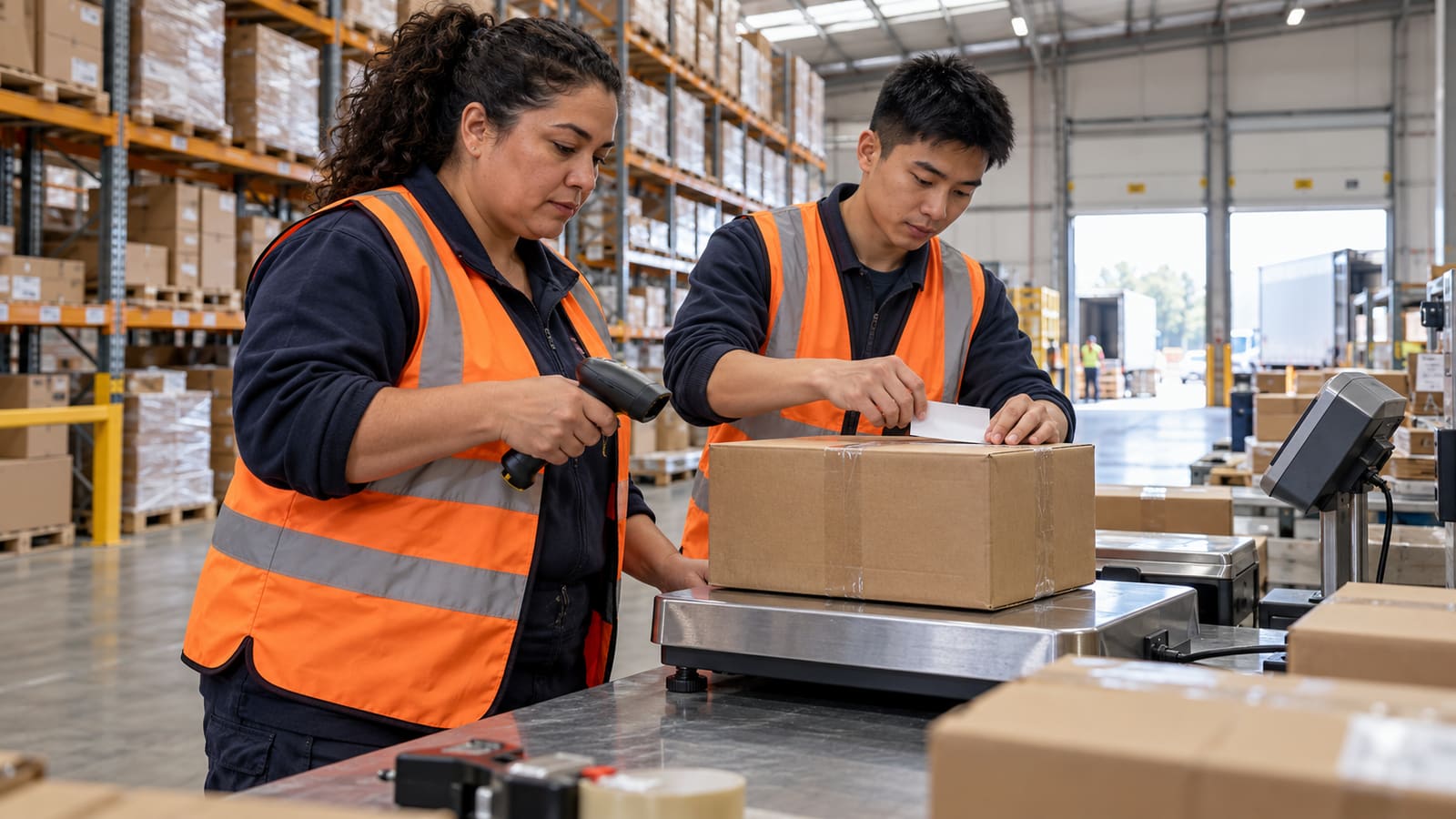
Day and afternoon shifts
Receiving, picking, packing and dispatch on one roster, from the 5am trucks to the 11pm finish.
Forklift licences on file
Track forklift and heavy vehicle licences and see when each one is due to run out.
Afternoon rates, done
Set your evening, Saturday and public-holiday rates once. Pay adds them up.
Built around day and afternoon shifts.
Pick "Warehouse or logistics" in the welcome wizard and your team is set up in minutes: no implementation call, no sales demo.
- Your team, ready to go Pick packers, storepeople, forklift and reach truck operators, inventory controllers, dispatch clerks, truck drivers and team leaders, plus a typical week to start from: a 6am day shift and a 2:30pm afternoon shift Monday to Friday, an early truck run and a Saturday morning.
- Licences and tickets Track forklift licences (LF), heavy vehicle licences, manual handling and First Aid, and when the ones that expire run out.
- Right licence, right job Tick the box in the welcome wizard and forklift and reach truck operators are linked to the forklift licence, so you're warned before you roster someone without one.
- Suggested rules for warehouses A 30-minute meal break on shifts longer than 5 hours, 10 hours off between shifts, no shift longer than 8½ hours and none shorter than 3. Tick them in the welcome wizard if you want them; you can change the numbers.
- Clock in at the warehouse Each location gets its own location check, plus an optional photo on each clock-in, so hours match who was actually there.
- Someone calls in sick? Post it as an open shift, free staff ask for it from their phone, and you pick who takes it.
- More than one site? Each site is its own location, and you can share staff between them when one is short.
- Leave without the paperwork Staff request leave from their phone and see their balances, and approved leave shows on the roster before you schedule over it.
The app your team will actually open.
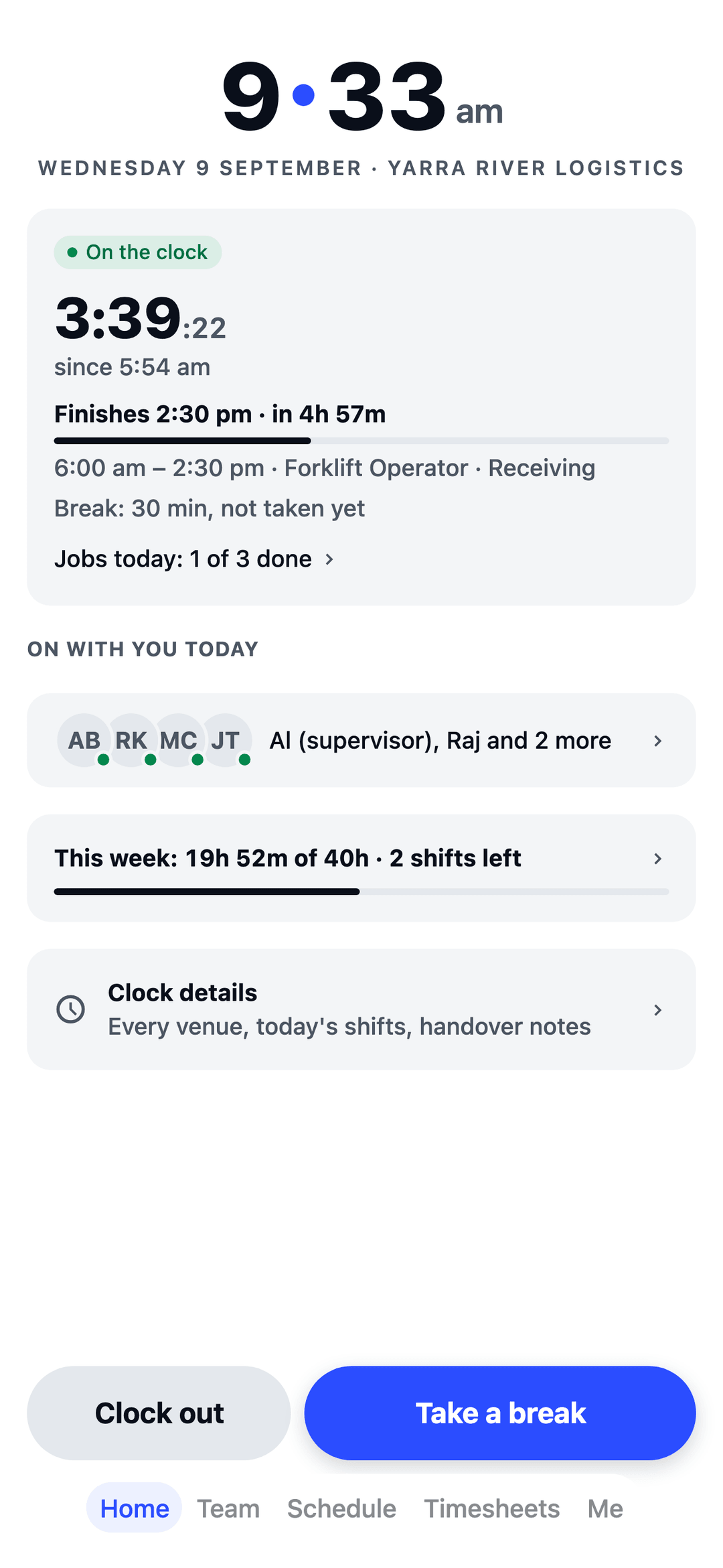
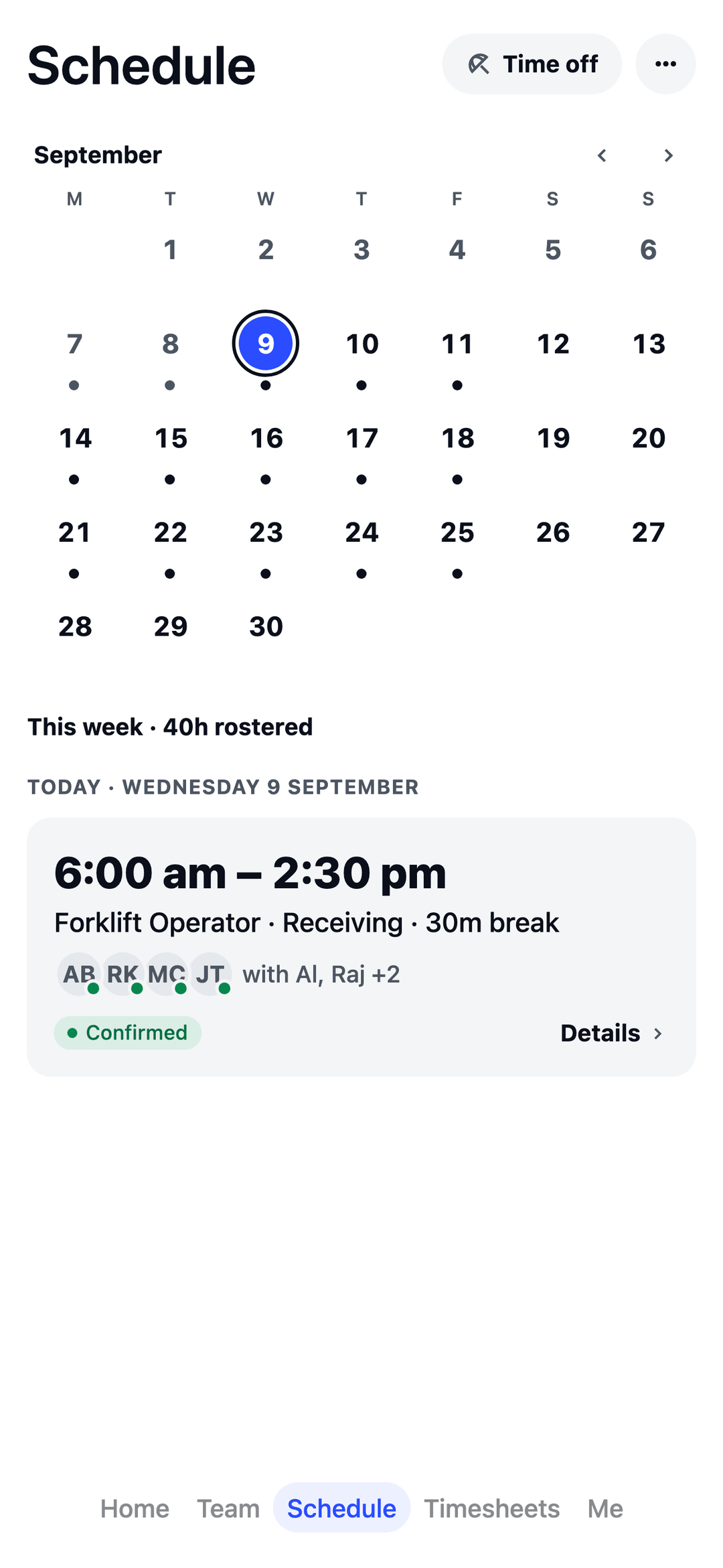
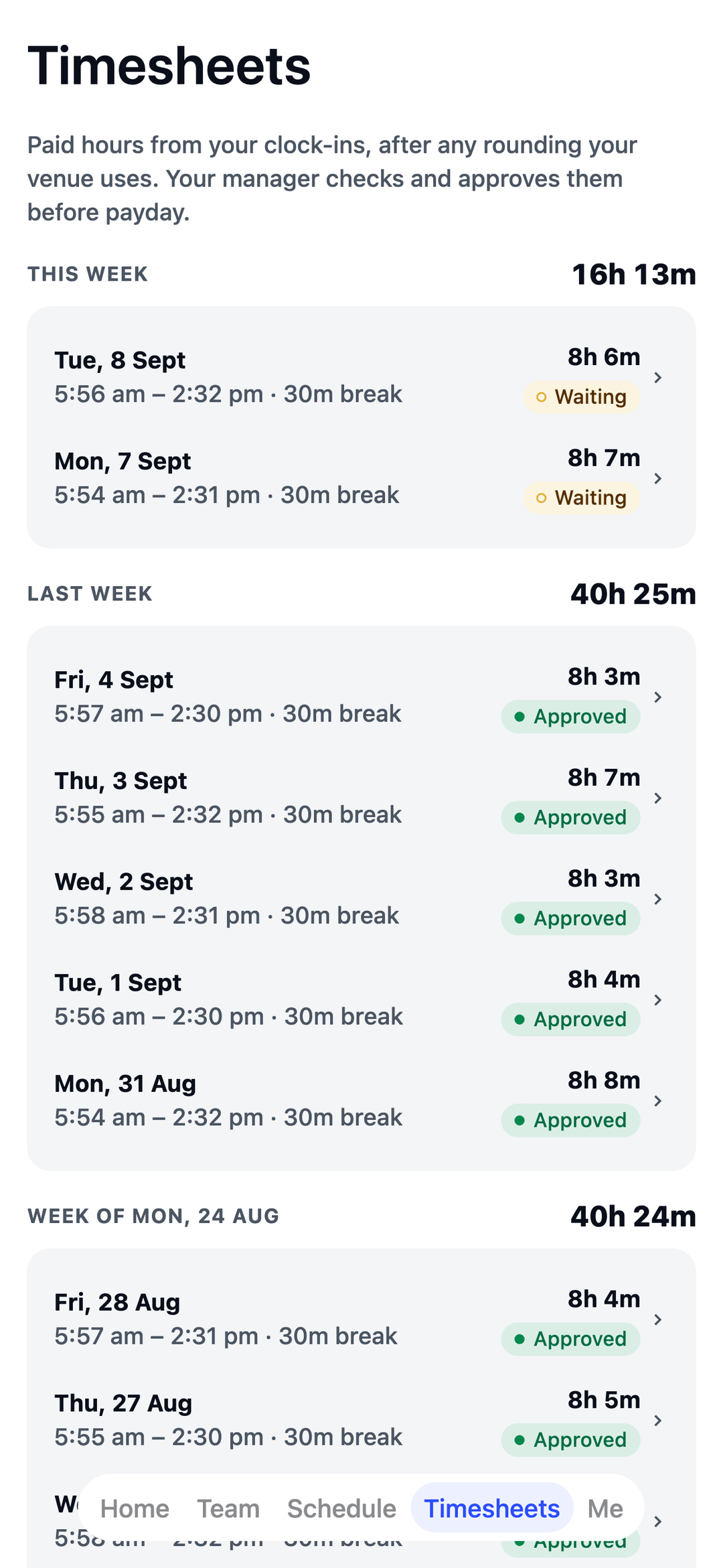
Shifts land in their pocket the moment you publish, and in their phone calendar too. No more printed rosters on the lunchroom wall.
Free for your first 10 staff.
Actually free.
Not a trial. No card details, no locked features. One honest price when you grow past 10.
Start freeQuestions warehouses ask.
Can I keep track of forklift licences?
Yes. Record each forklift licence, heavy vehicle licence and First Aid certificate and when it runs out, and TEAM MATE warns you before you roster someone who doesn't have what their job needs.
Can I roster day and afternoon shifts?
Yes. The typical week starts with a 6am day shift and a 2:30pm afternoon shift, Monday to Friday, plus a Saturday morning, and you can change all of it.
Can it warn me when someone's back too soon?
Yes. Tick the suggested rules and TEAM MATE warns you when someone gets less than 10 hours off between shifts. You choose the number.
Can I share staff between sites?
Yes. Each site is its own location, and you can share staff between them when one is short.
Built for every crew.
TEAM MATE started in Melbourne cafés and restaurants. The same app runs all of these crews too, each with its own setup in the welcome wizard.