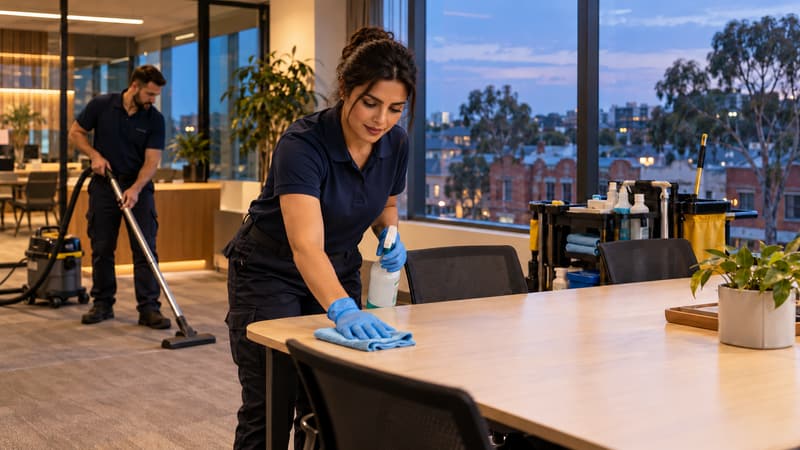
Every post covered,
round the clock. Sorted.
Cover every site day and night, keep licences up to date, and let night and weekend rates add themselves up.
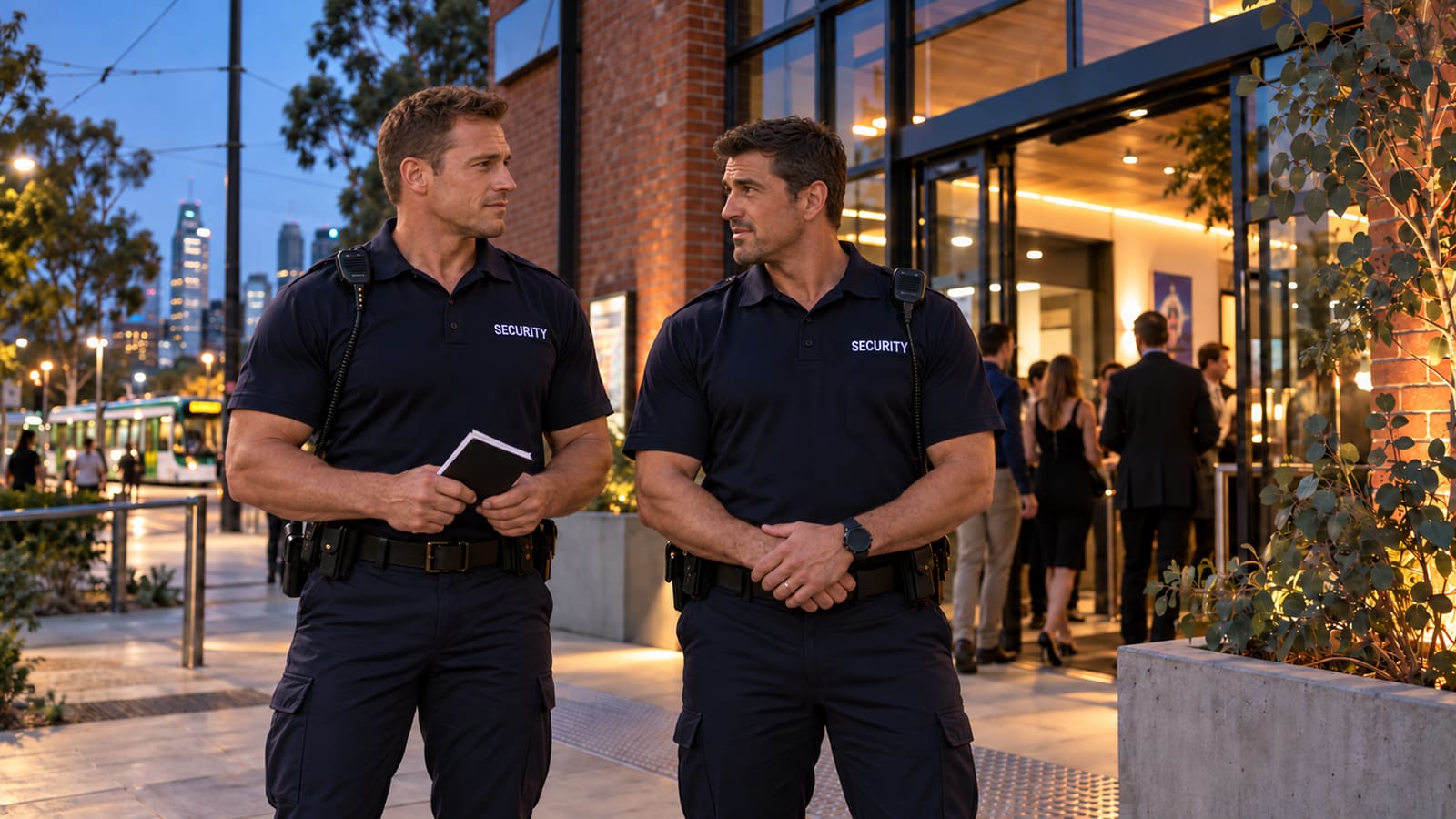
Every post covered
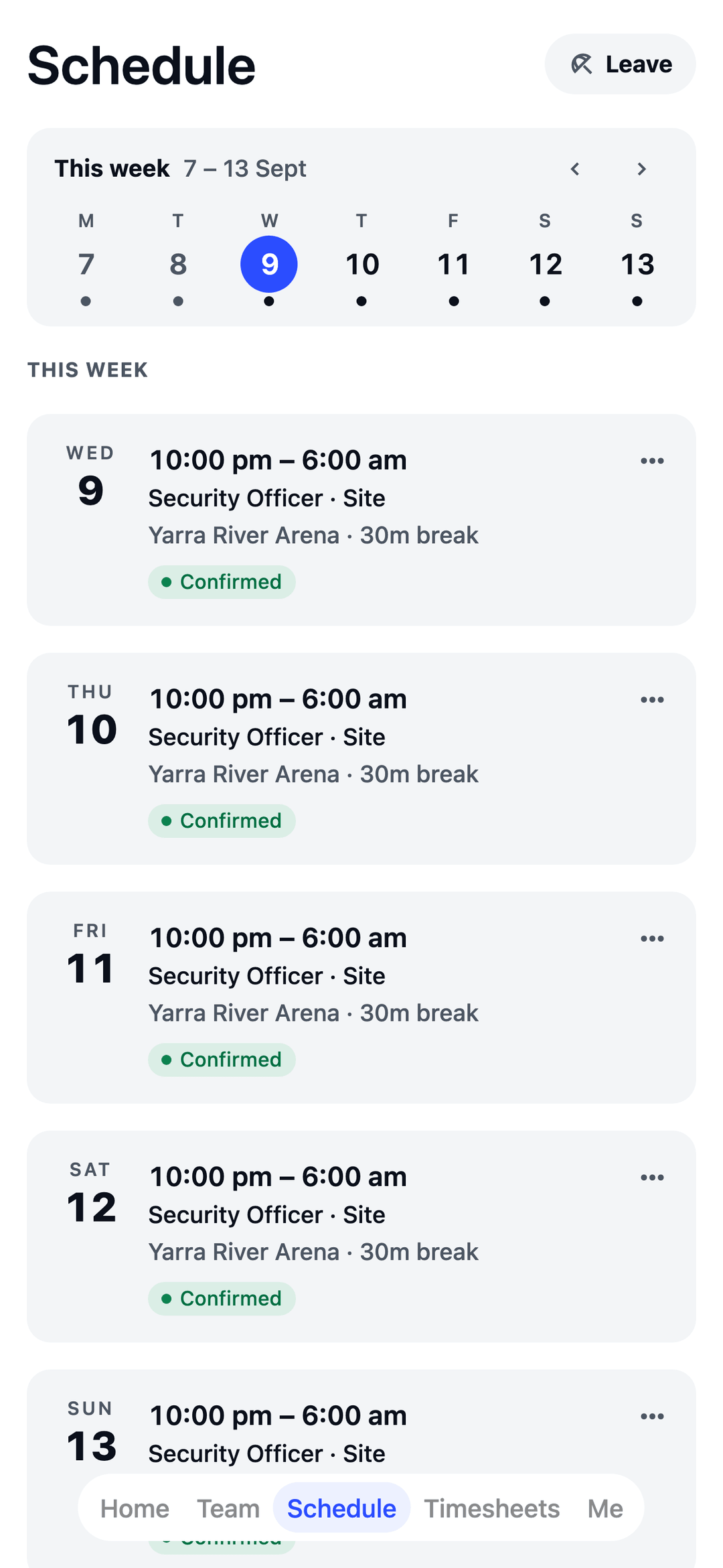
Each site is its own location, so officers know exactly where tonight's shift is.
Licences on file
See who holds what and when it runs out, with a warning before you roster someone without it.
Night rates, done
Set your evening, weekend and public-holiday rates once. Pay adds them up.
Built around a 24/7 week.
Pick "security" in the welcome wizard and your team is set up in minutes: no implementation call, no sales demo.
- Your team, ready to go Security officers, crowd controllers, control room operators and supervisors, plus a typical week to start from: three 8-hour shifts a day, every day, 6 till 2, 2 till 10 and 10 till 6.
- Security and crowd controller licences Track who holds what and when it expires, along with First Aid and Police Checks, and get a warning before you roster someone who doesn't have one.
- Suggested rules for security A meal break on shifts longer than 5 hours, 8 hours off between shifts, and no shift longer than 10½ hours. Common starting points: you check them, switch them on, and change any number.
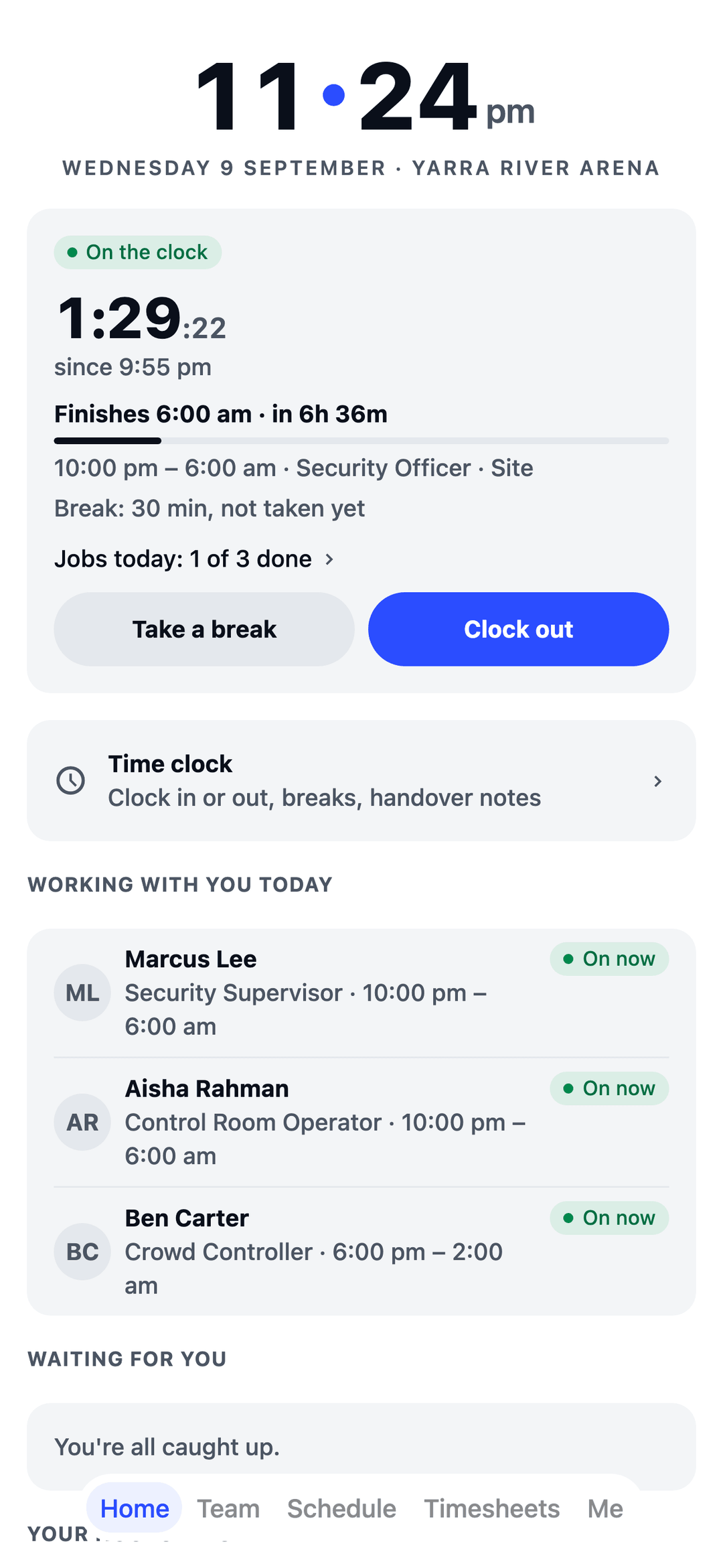
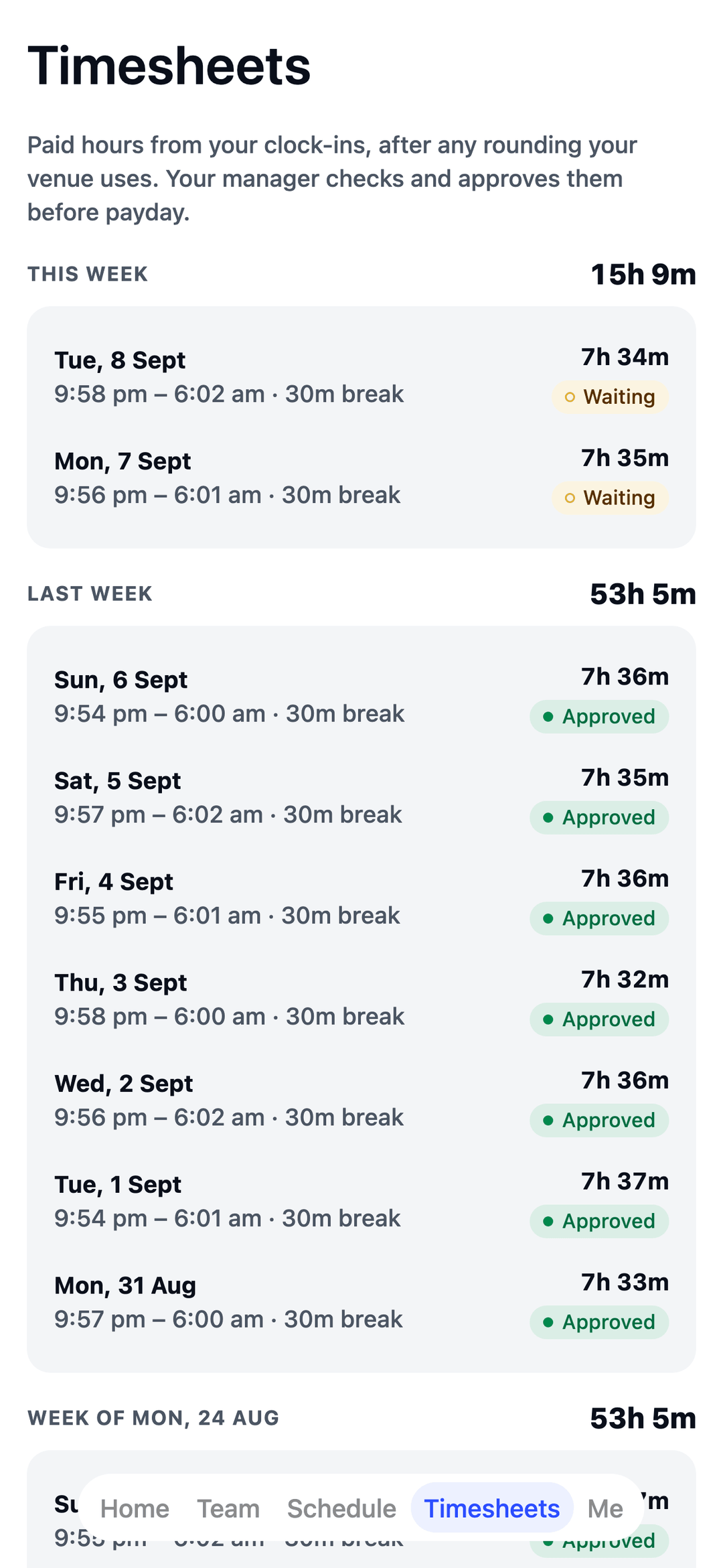
- Night shifts that cross midnight A 10pm-to-6am shift is one shift on the roster and one line on the timesheet.
- Clock in at the post Each site gets its own location check, plus an optional photo on each clock-in, so hours match who was actually there.
- Handover notes What the night shift wants the morning shift to know.
- Someone calls in sick? Post it as an open shift, free officers ask for it from their phone, and you pick who takes it.
- A daily wages budget The roster's cost bar and the live wages figure tell you when a day is running heavy.
The app your officers will actually open.
Shifts land in their pocket the moment you publish, and in their phone calendar too. No more ringing round at 9pm to fill the night shift.
Free for your first 10 staff.
Actually free.
Not a trial. No card details, no locked features. One honest price when you grow past 10.
Start freeQuestions security teams ask.
Can I keep track of security and crowd controller licences?
Yes. Record who holds what and when it expires, along with First Aid and Police Checks, and TEAM MATE warns you before you roster someone who doesn't have one.
Do overnight shifts work?
Yes. A 10pm-to-6am shift is one shift on the roster and one line on the timesheet.
How do I know officers clocked in at the right post?
Each site gets its own location check, plus an optional photo on each clock-in, so hours match who was actually there.
Can the night shift leave notes for the morning?
Yes. Handover notes carry what the night shift wants the morning shift to know.
Built for every crew.
TEAM MATE started in Melbourne cafés and restaurants. The same app runs all of these crews too, each with its own setup in the welcome wizard.