Every wing covered,
day and night. Sorted.
Keep a nurse on every hour and carers on every wing, keep registrations and checks up to date, and see the gaps before the week starts.

Around the clock
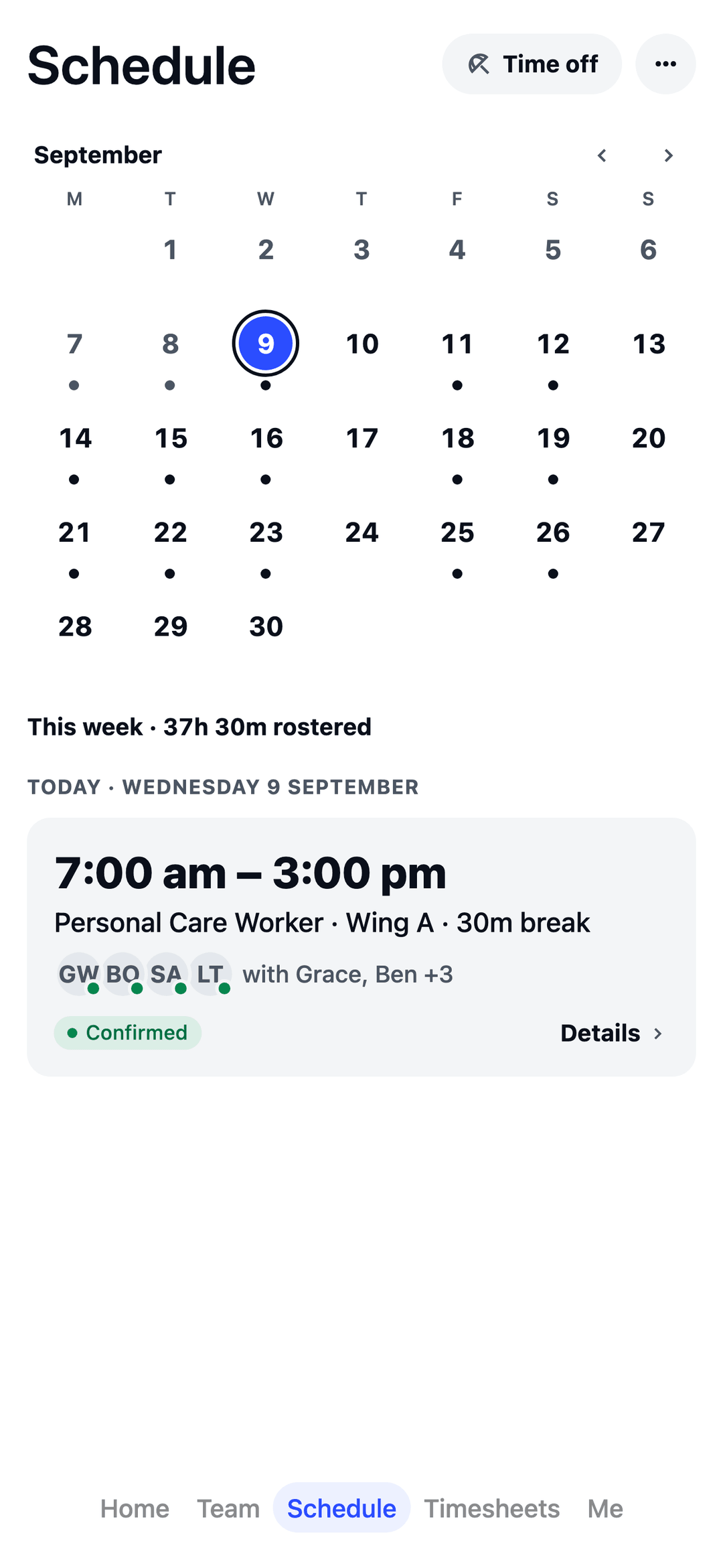
Morning, afternoon and night shifts on one roster, wing by wing, so you see the whole day at once.
Registrations on file
Track AHPRA registrations, Police Checks and First Aid, and see when each one is due to run out.
Gaps, spotted early
Set your own “at least one nurse on” rule and the roster lists any hour that falls short.
Built around a 24/7 care week.
Pick "Aged care home" in the welcome wizard and your team is set up in minutes: no implementation call, no sales demo.
- Your team, ready to go Registered and enrolled nurses, personal care workers, a cook and a care manager, plus a typical week to start from: a registered nurse on every hour of every day in three 8-hour shifts, and carers on two wings.
- AHPRA registrations and checks Track who holds what and when it runs out: AHPRA registrations, Police Checks, NDIS Worker Screening Checks, First Aid, CPR, Manual Handling and food safety. Keep the card number and state on file, and open AHPRA’s public register from the ticket to look one up yourself. You get a warning before you roster someone without one.
- Your own skill mix “At least 1 Registered Nurse on, every day, all day.” Set the rule once; the Schedule page and the Monday summary list any hour that falls short, and Build my week tries to fill it. You choose the numbers; TEAM MATE doesn’t check them against any law.
- Suggested rules for aged care A meal break on shifts longer than 5 hours, 10 hours off between shifts, no shift longer than 10½ hours and none shorter than 2. Common starting points: you check them, switch them on, and change any number.
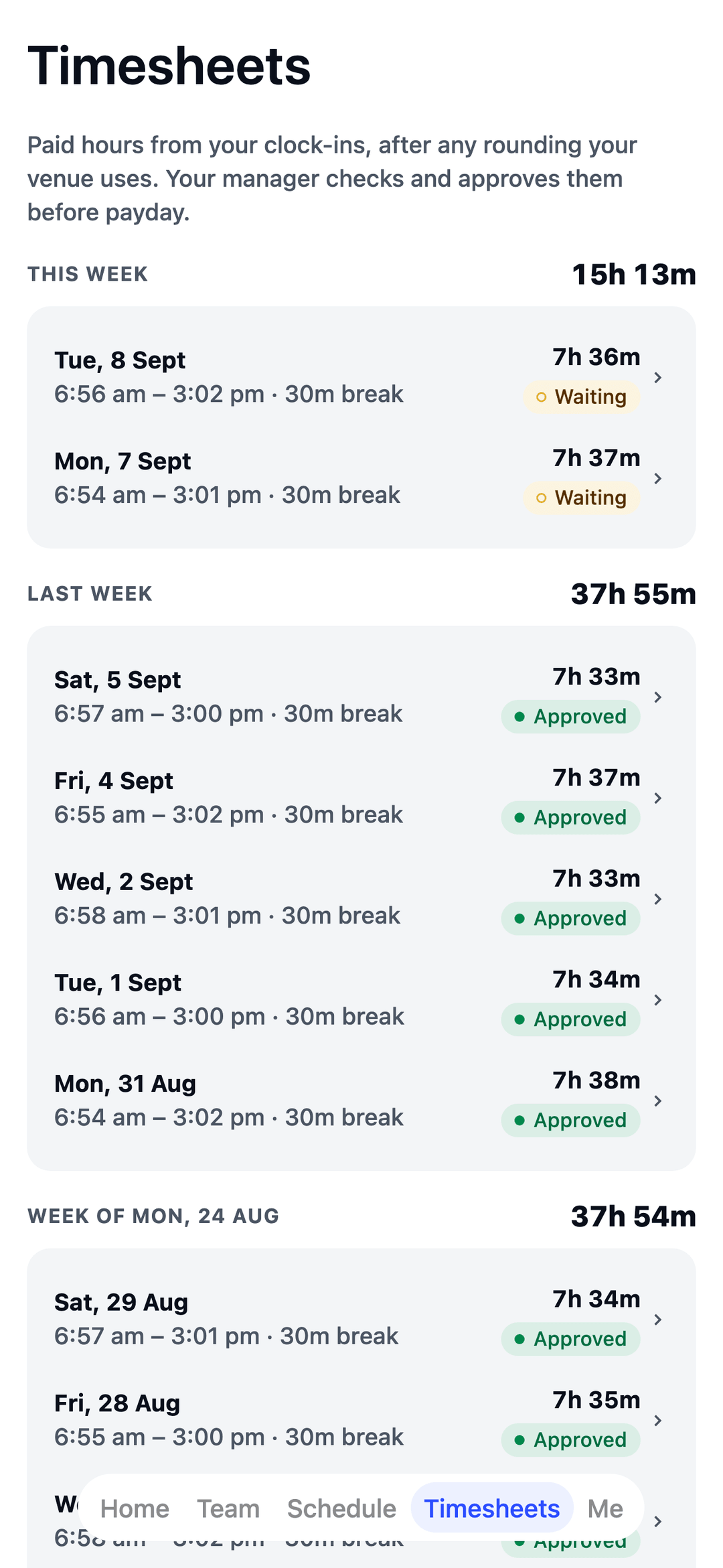
- Night shifts that cross midnight An 11pm-to-7am shift is one shift on the roster and one line on the timesheet.
- Handover notes What the night shift wants the morning shift to know.
- Someone calls in sick? Post it as an open shift, free staff ask for it from their phone, and you pick who takes it.
- Leave without the paperwork Staff request leave from their phone and see their balances, and approved leave shows on the roster before you schedule over it.
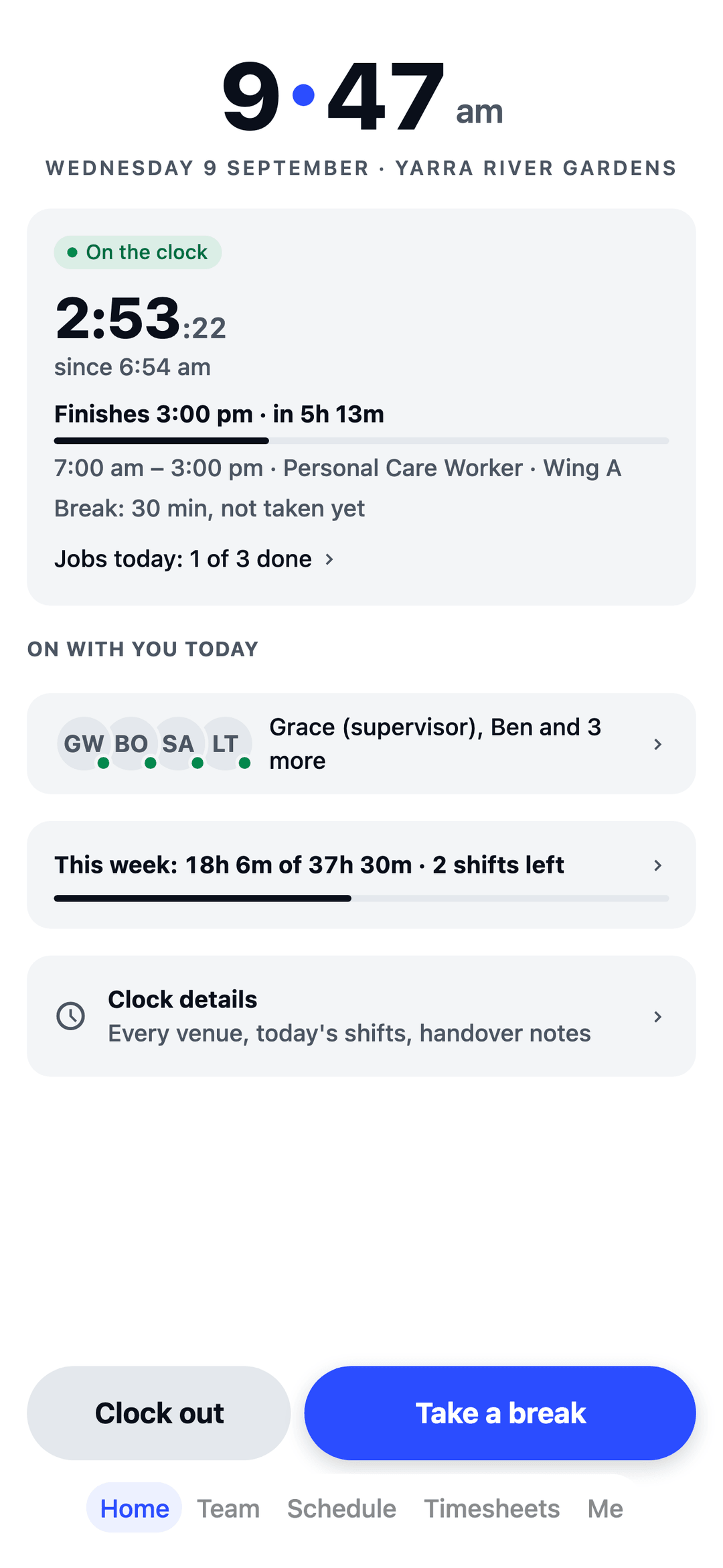
The app your carers will actually open.
Shifts land in their pocket the moment you publish, and in their phone calendar too. No more ringing round at 6am to cover the morning shift.
Free for your first 10 staff.
Actually free.
Not a trial. No card details, no locked features. One honest price when you grow past 10.
Start freeQuestions aged care homes ask.
Can I keep track of AHPRA registrations and Police Checks?
Yes. Record each registration, Police Check and NDIS Worker Screening Check and when it runs out, along with First Aid, CPR and Manual Handling, and TEAM MATE warns you before you roster someone who doesn't have one.
Can it tell me when there's no nurse on?
Yes. Set your own rule, like "at least 1 Registered Nurse on, every hour of every day", and the roster lists any hour that falls short. You choose the numbers; TEAM MATE doesn't check them against any law.
Do night shifts work?
Yes. An 11pm-to-7am shift is one shift on the roster and one line on the timesheet.
Can the night shift leave notes for the morning?
Yes. Handover notes carry what the night shift wants the morning shift to know.
Built for every crew.
TEAM MATE started in Melbourne cafés and restaurants. The same app runs all of these crews too, each with its own setup in the welcome wizard.