Every store covered,
one roster. Sorted.
Run every store from one account: each store's roster, hours and wages side by side, store managers running their own, and staff lent between stores when one is short.

Every store at once
Reports, All locations shows each store's hours, wages, budget, sales and labour % for the week or month, side by side.
Lend staff between stores
Short at one store? See who's free at your other stores and put them on the shift.
Store managers run their store
Each store manager rosters, approves and sees their own store. You see them all.
Built for more than one door.
Add each store as a location and pick your kind of business in the welcome wizard: jobs, areas and a typical week to start from, in minutes.
- Every store side by side Reports, All locations: contract and rostered hours, worked hours and wages, the wages budget, sales and labour % for every store, for the week or the month. Anything over budget is in red and said in words.
- Staff shared between stores When a shift has nobody on it, see who's free at your other stores: no clash, not on leave, inside their hours. Add them and they can be rostered and clock in there.
- A manager for each store Store managers roster, approve timesheets and leave, and see only their own store. Owners and admins see every store.
- Sales in, headcount out Square sends each store's daily sales; with another till, upload them. Either way you get a suggested headcount for each day.
- The same jobs everywhere Jobs and tickets are shared across the business, so a barista is a barista at every store, with the same tickets on file.
- Monday summary One email each Monday with last week's hours, wages and anything that needs you, store by store.
- Your bookkeeper, read-only Give your bookkeeper their own sign-in to timesheets and the payroll file, without access to anything else.
- Swaps and leave by phone Staff swap shifts and request leave from their phone; it comes to the right store manager to approve.
The app your crews will actually open.
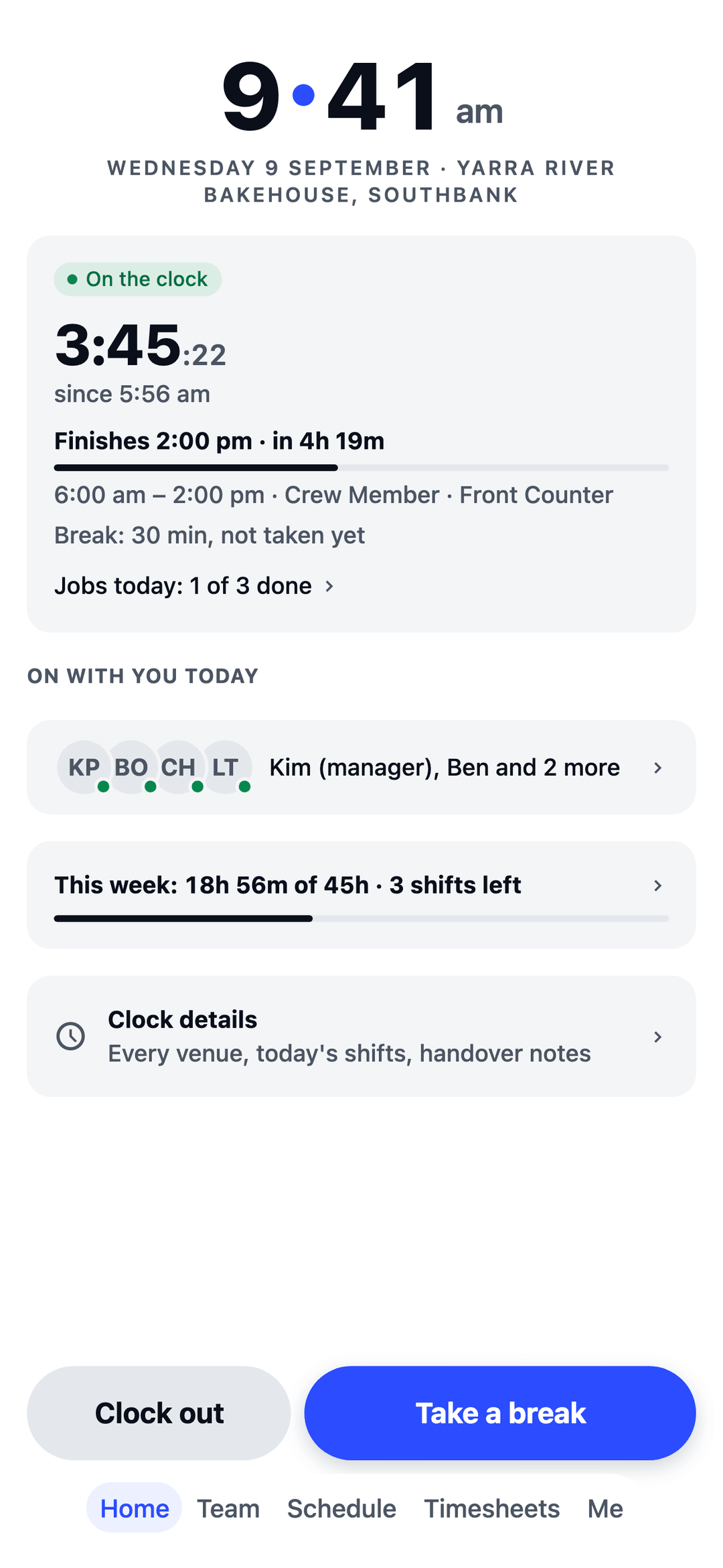
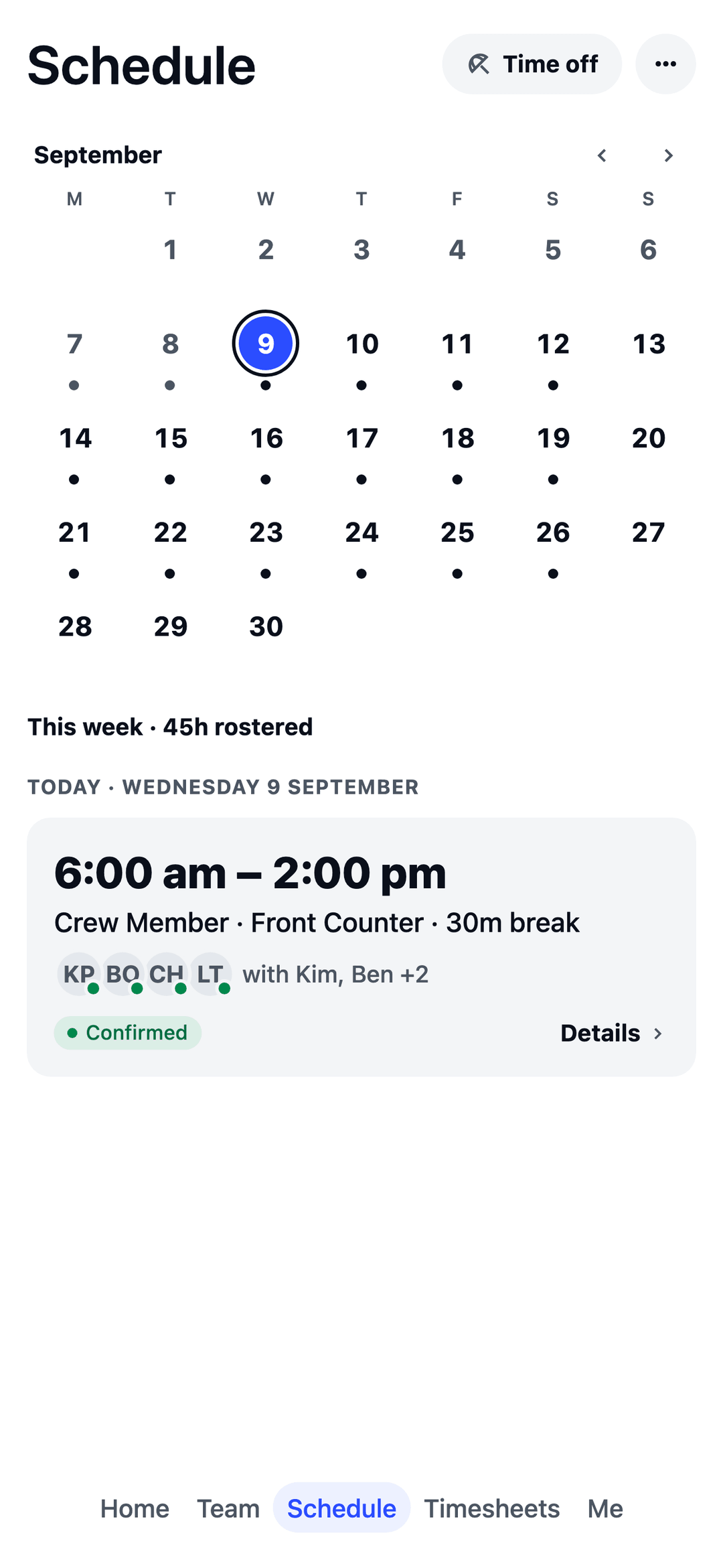
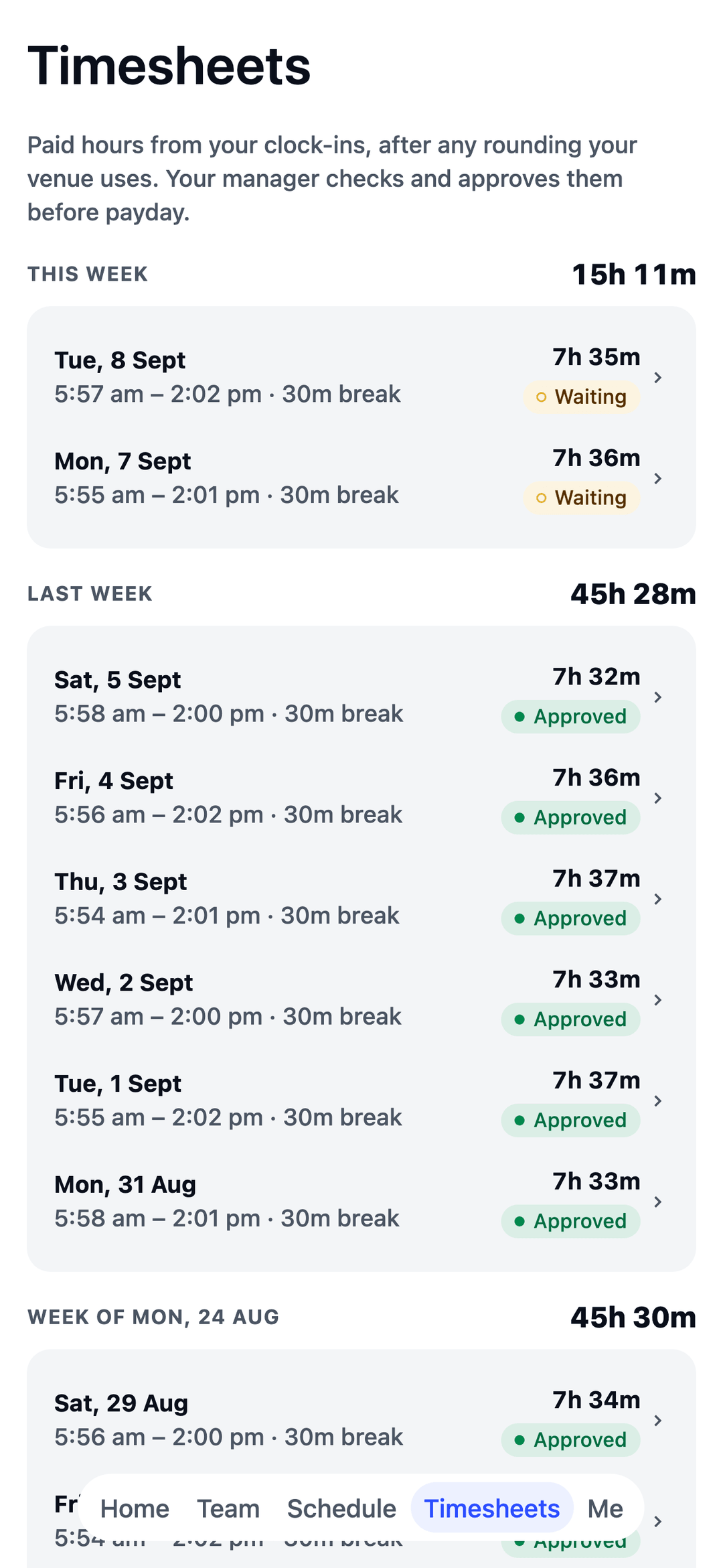
Shifts land in their pocket the moment you publish, and in their phone calendar too. No more spreadsheet rosters by email.
Free for your first 10 staff.
Actually free.
Not a trial. No card details, no locked features. One honest price when you grow past 10.
Start freeQuestions multi-store owners ask.
We own several stores. Is that one account?
Yes. One business, with each store as its own location. You see every store, and each store manager sees their own.
Can staff work at more than one store?
Yes. Put someone on more than one store's team and they can be rostered and clock in at each.
Does it connect to our tills?
Square, yes: each store's daily sales come in and feed the suggested headcount. With another till, upload your daily sales instead.
Built for every crew.
TEAM MATE started in Melbourne cafés and restaurants. The same app runs all of these crews too, each with its own setup in the welcome wizard.