
Rostering app for Australian shift teams Your work crew, sorted.
Roster. Clock in. Get paid. All in one place.
Free for teams of 10 or fewer. No card, no time limit.











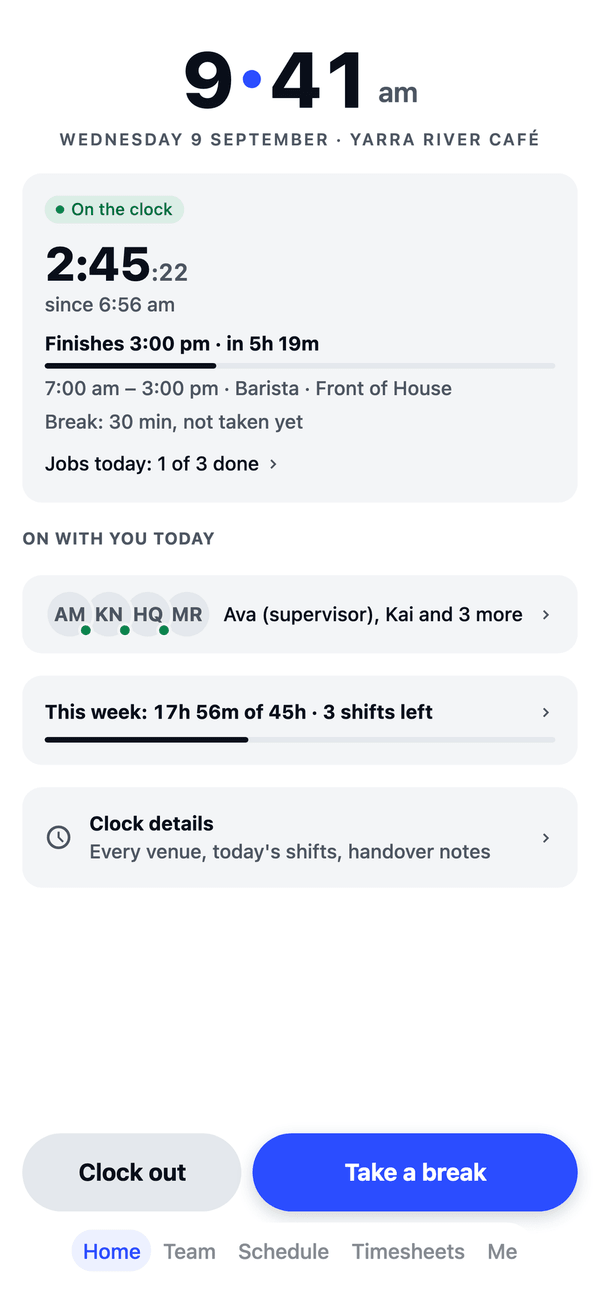



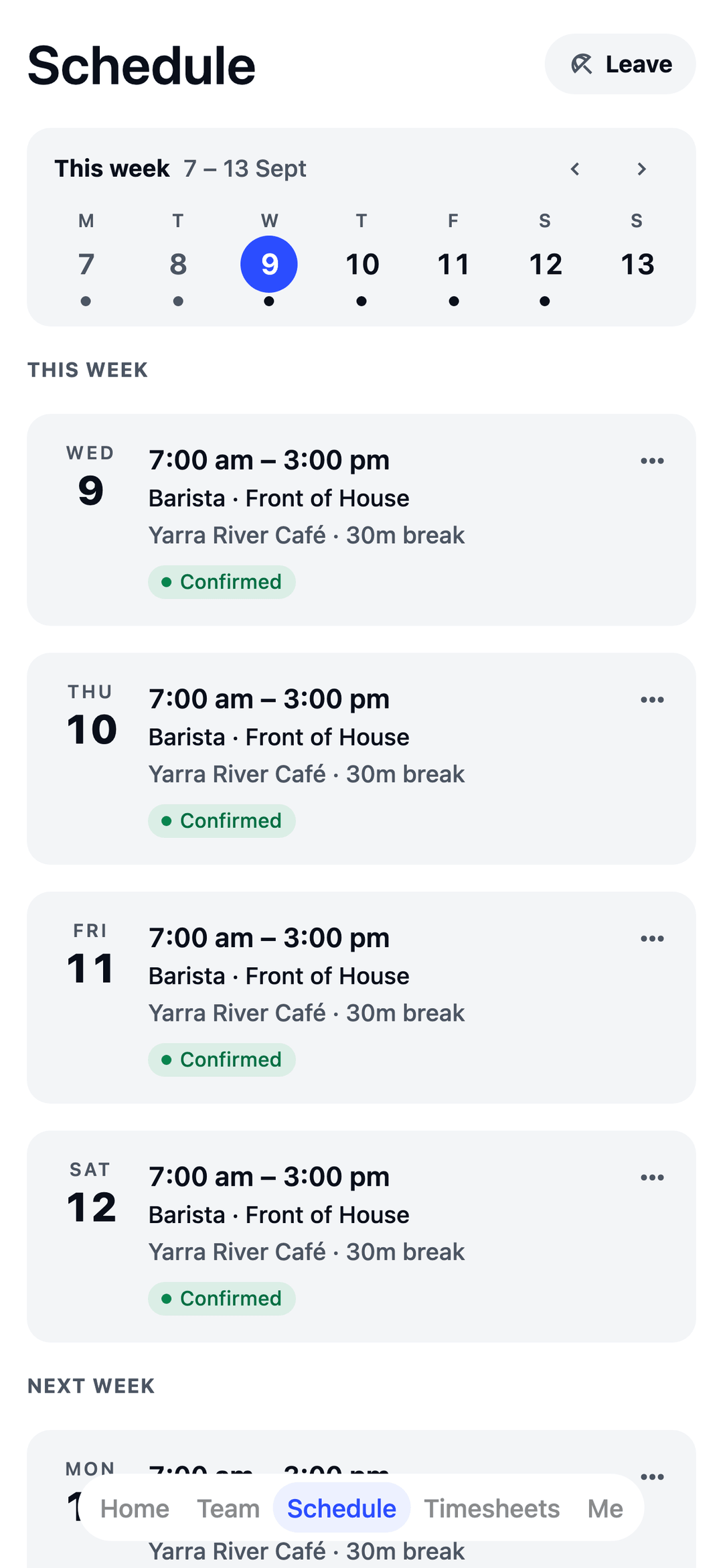
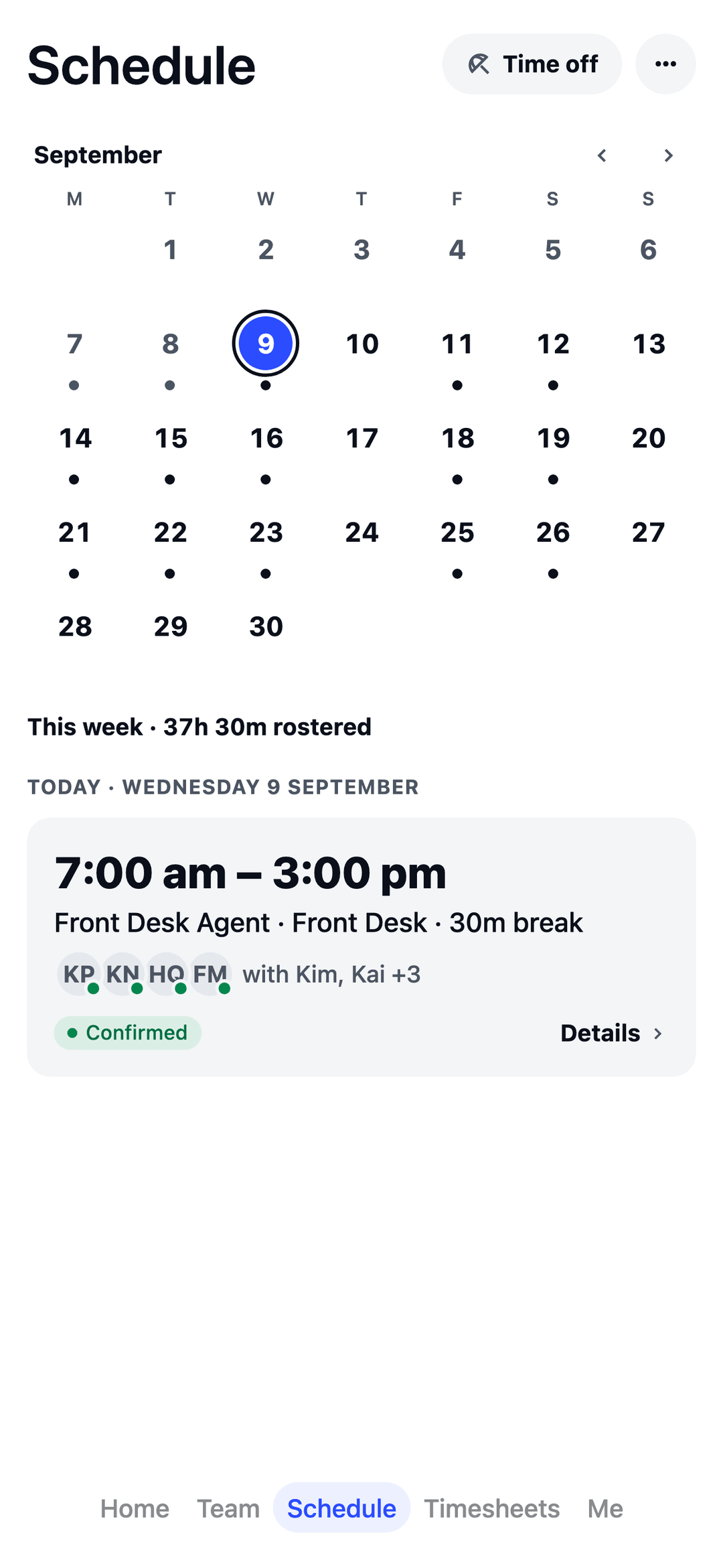
At home on any shift.
Born in hospo. Pick your industry and TEAM MATE sets itself up for the way you work.

From the first coffee to last drinks.
- Roster the rush See your busy days coming and staff the rush, not the lull.
- Cover the gap Someone calls in sick? Offer the shift, approve a swap, or borrow a hand from your other venue.
- Weekend rates, done Set your Saturday, Sunday, evening and public-holiday rates once. Pay adds them up.

Every floor covered, check-in to checkout.
- Desk to housekeeping Front desk, housekeeping, restaurant, bar and kitchen on one roster, so you see the whole hotel at once.
- Front desk, all night Set your own “someone on the front desk” rule and the roster lists any hour that falls short.
- Weekend rates, done Set your Saturday, Sunday, evening and public-holiday rates once. Pay adds them up.

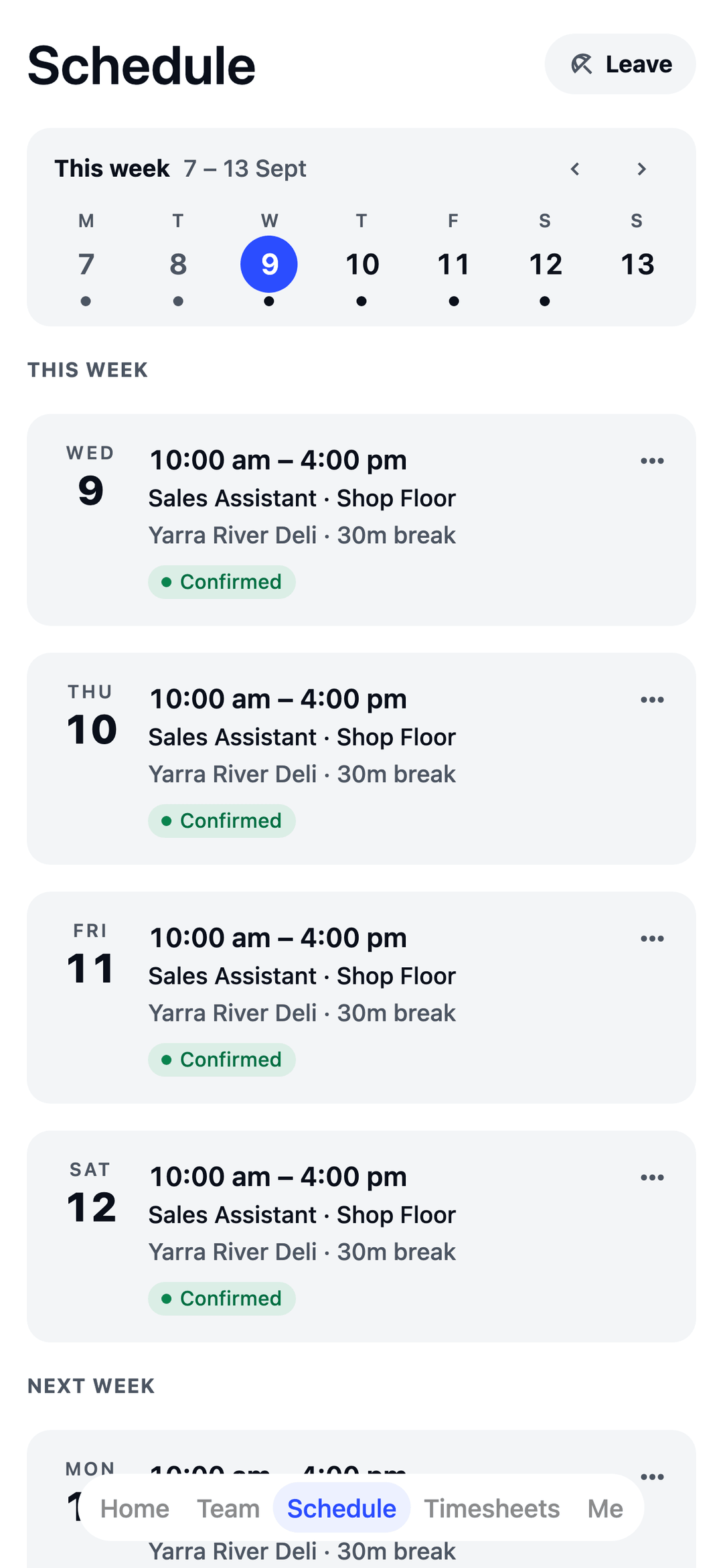
Every trading hour, covered.
- Staff to your sales Upload daily sales and get a suggested headcount for mornings, peak and evenings.
- Casuals, sorted Staff set their availability; extra shifts go out as open shifts they claim in a tap.
- Weekend rates, done Set your Saturday, Sunday, evening and public-holiday rates once. Pay adds them up.
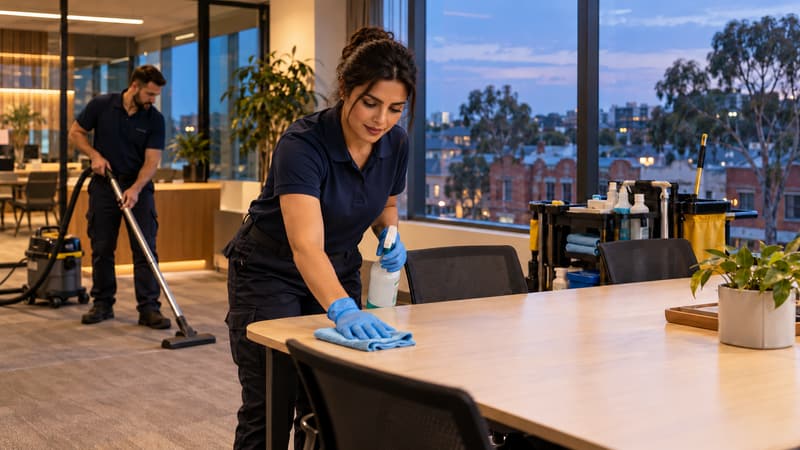
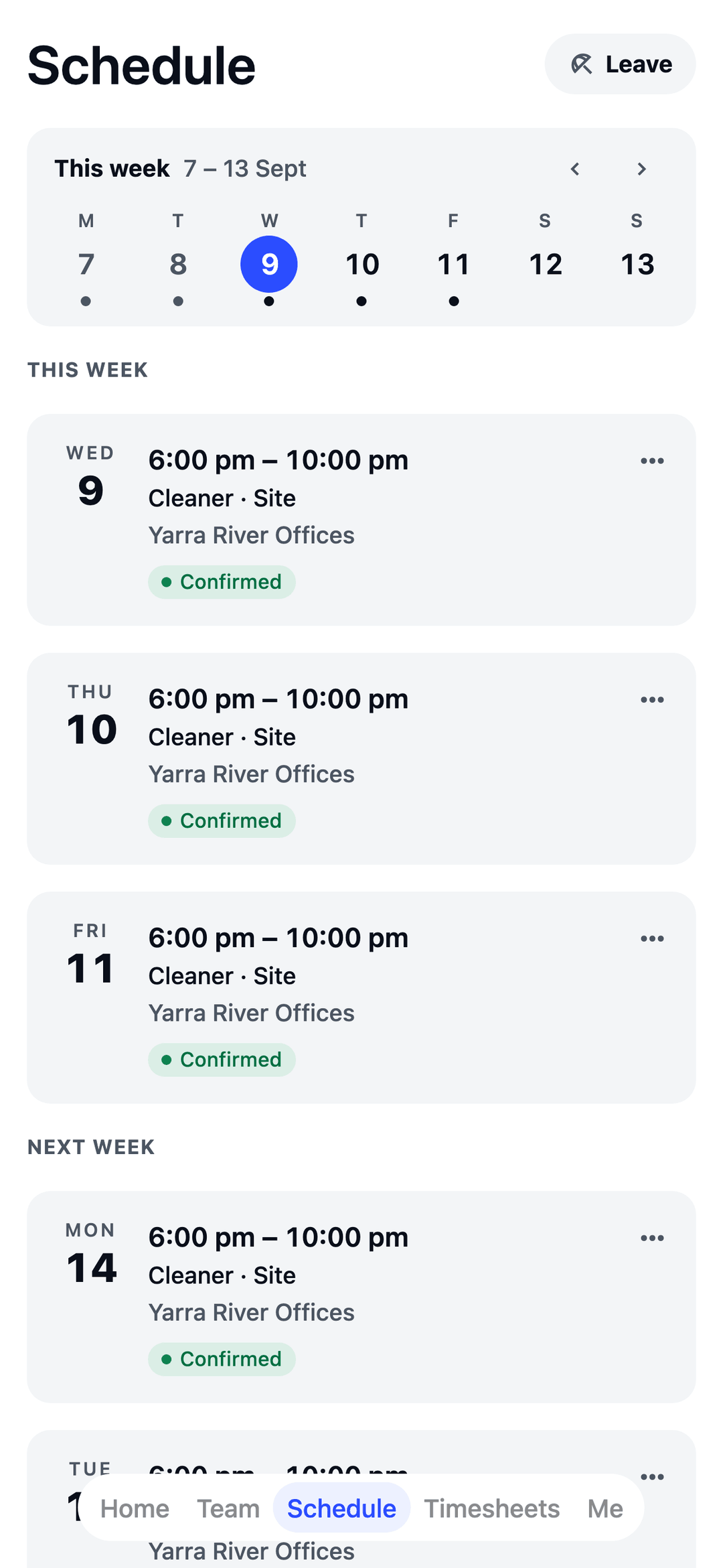
Every site covered, day or night.
- Every client site Each client site is its own location, so your crew knows exactly where the next job is.
- Police Checks on file See who holds what and when it runs out, with a warning before you roster someone without it.
- Evening rates, done Set your evening, weekend and public-holiday rates once. Pay adds them up.

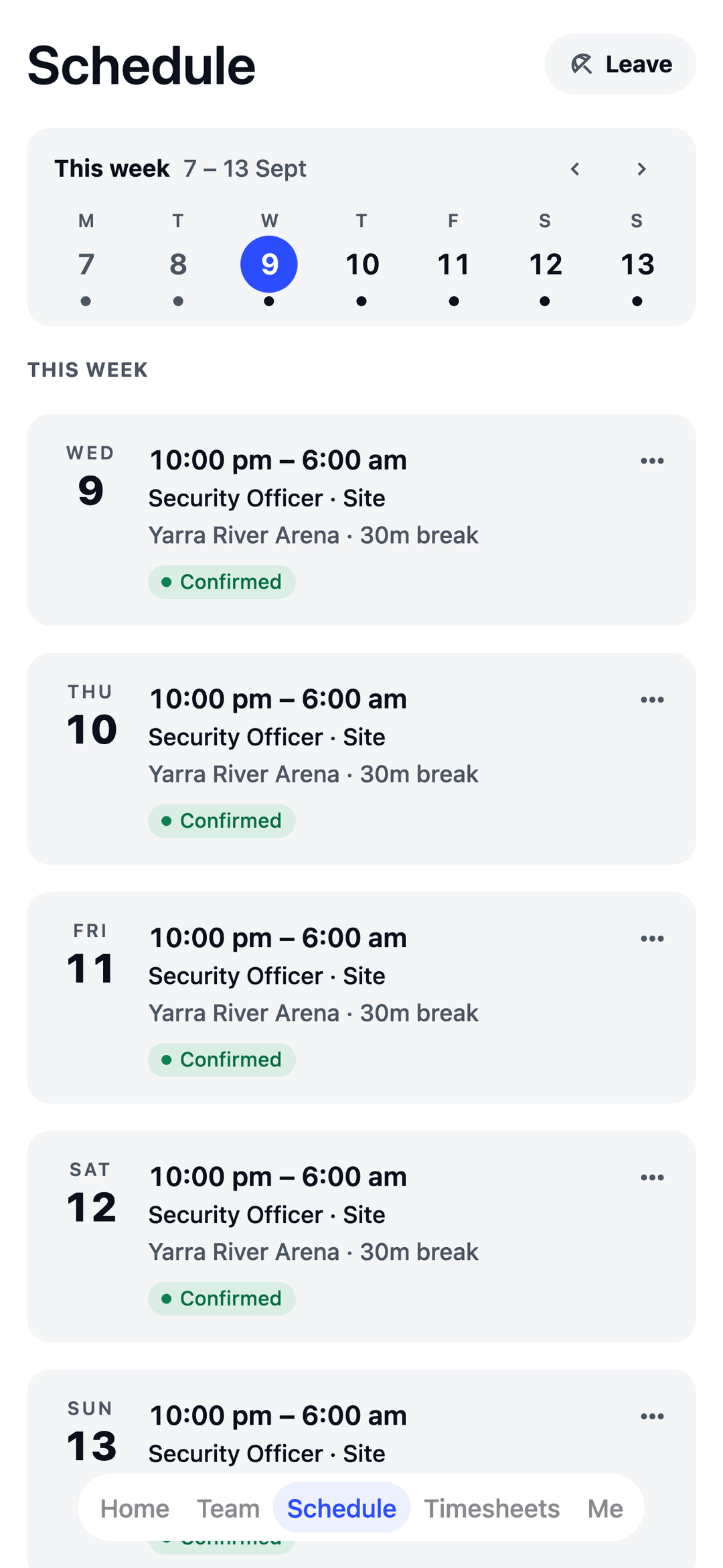
Every post covered, round the clock.
- Every post covered Each site is its own location, so officers know exactly where tonight's shift is.
- Licences on file See who holds what and when it runs out, with a warning before you roster someone without it.
- Night rates, done Set your evening, weekend and public-holiday rates once. Pay adds them up.

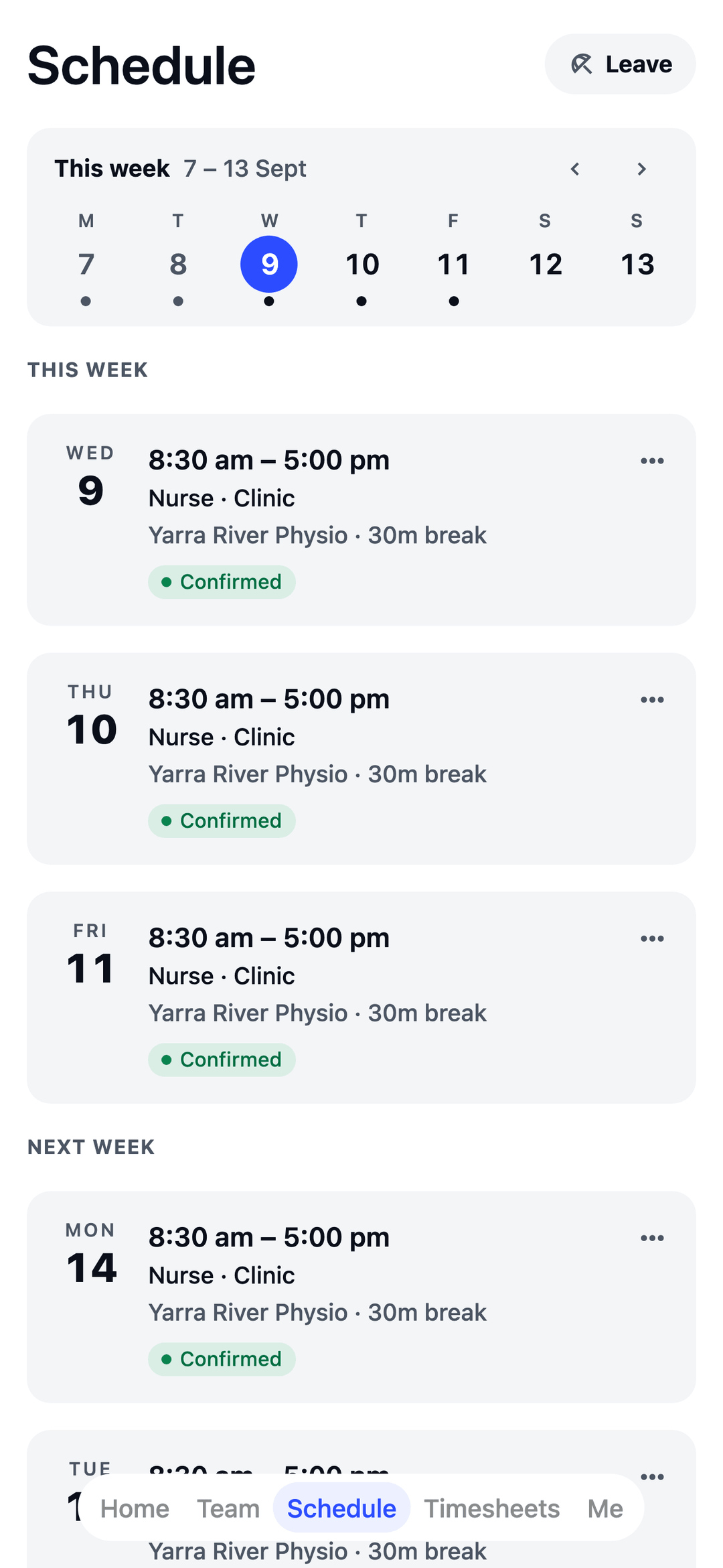
Front desk to treatment room.
- Reception and clinic Front desk and clinical staff rostered side by side, so you see the whole day at once.
- Registrations on file Track AHPRA registrations and CPR, and see when each one is due to run out.
- Leave, sorted Staff ask from their phone, you approve, and the roster knows they're away.

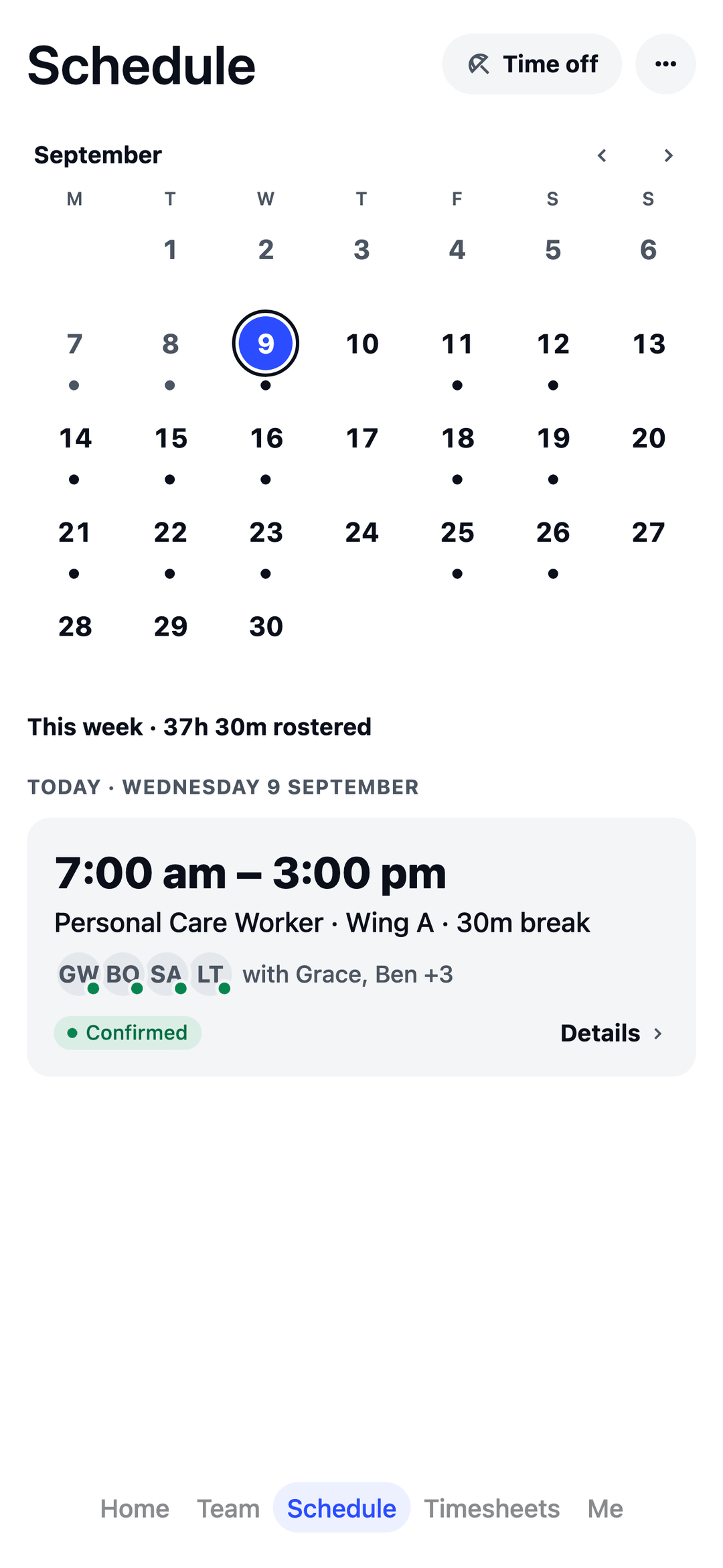
Every wing covered, day and night.
- Around the clock Morning, afternoon and night shifts on one roster, wing by wing, so you see the whole day at once.
- Registrations on file Track AHPRA registrations, Police Checks and First Aid, and see when each one is due to run out.
- Gaps, spotted early Set your own “at least one nurse on” rule and the roster lists any hour that falls short.

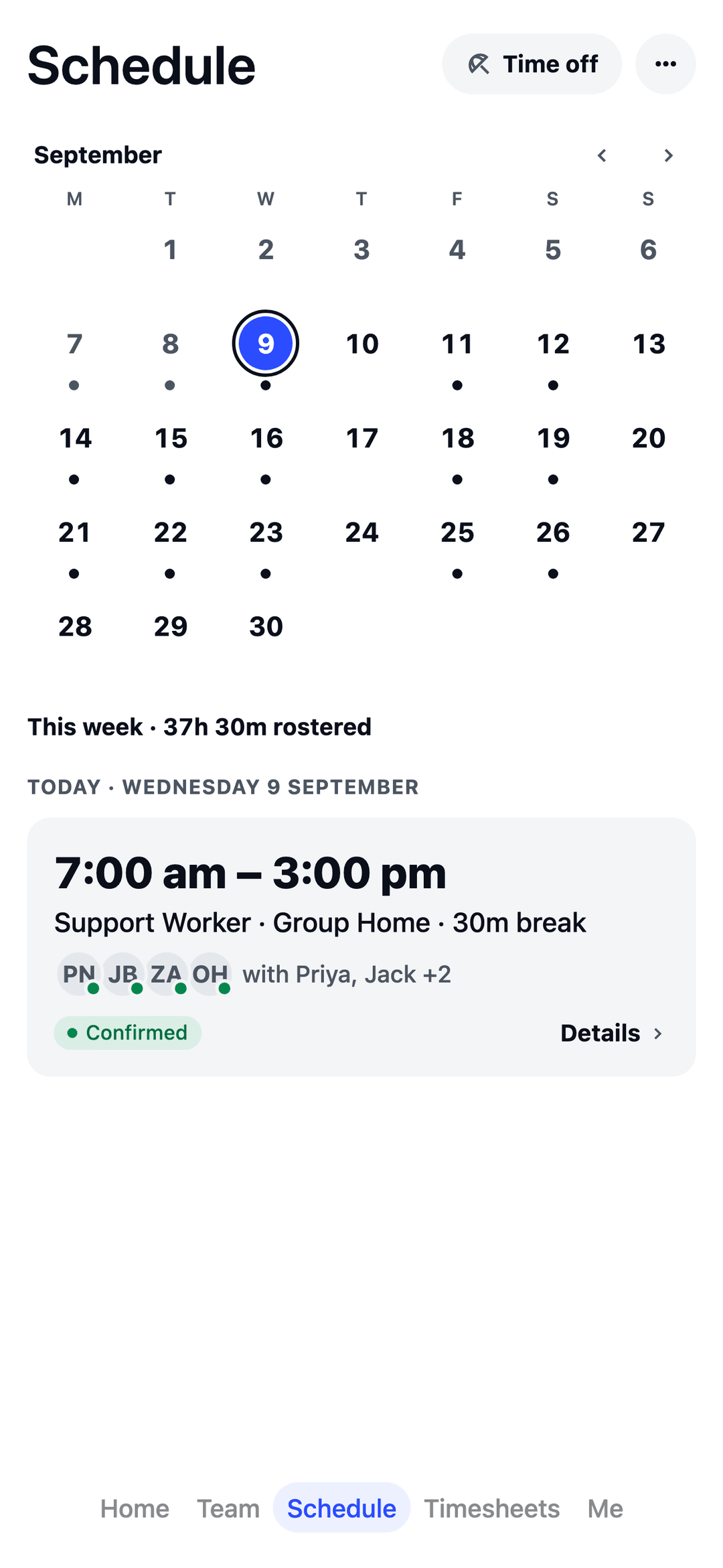
Every shift and visit covered.
- House and community Group homes and community visits on one roster, so you see who’s at the house and who’s out with clients.
- Checks on file Track NDIS Worker Screening Checks, Police Checks and First Aid, and see when each one is due to run out.
- Gaps, spotted early Set your own “at least one support worker with First Aid on” rule and the roster lists any hour that falls short.

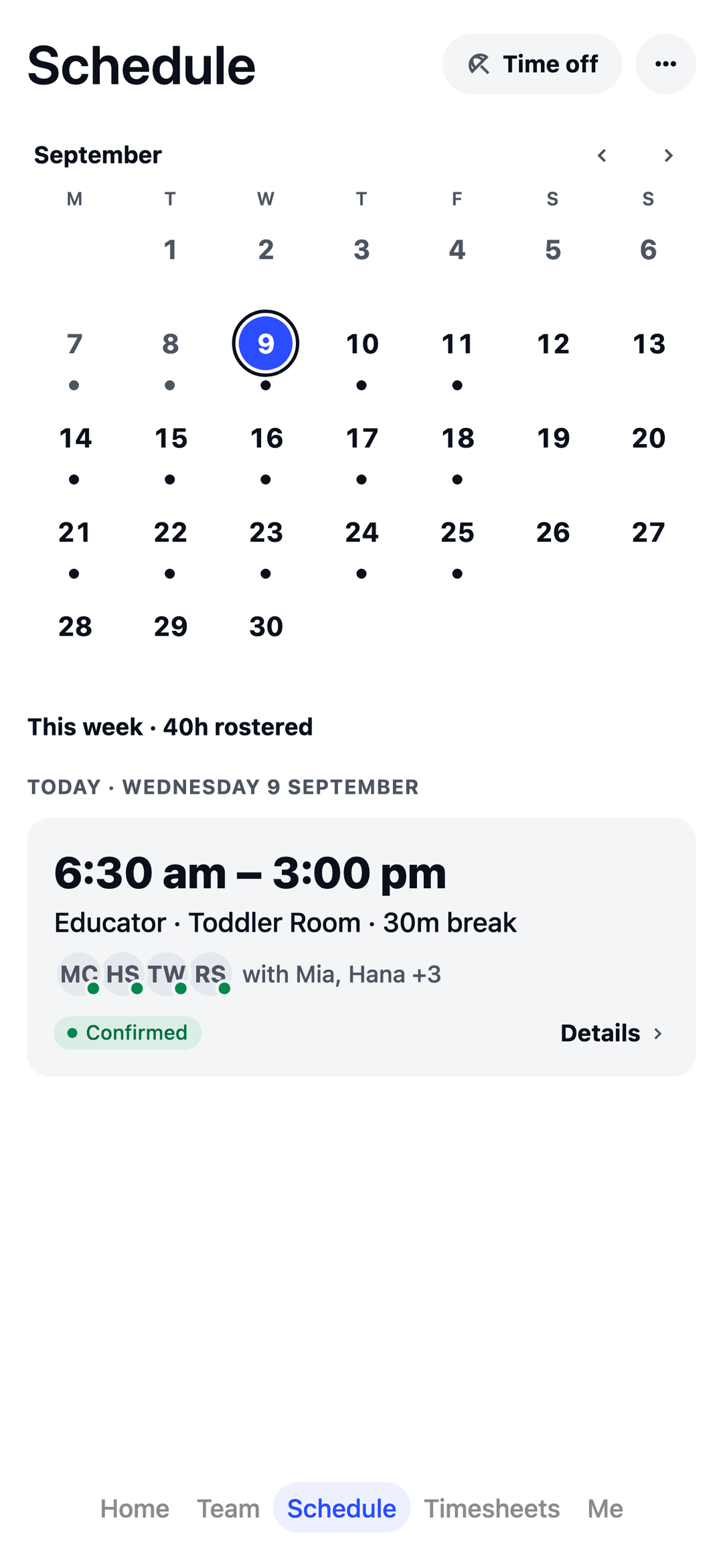
Every room covered, open to close.
- Room by room Babies, toddlers and kinder on one roster, openers to closers, so you see the whole day at once.
- Checks on file Track Working with Children Checks, First Aid, anaphylaxis and asthma training, and see when each one is due to run out.
- Gaps, spotted early Set your own “at least 2 educators in the toddler room” rule and the roster lists any time that falls short.

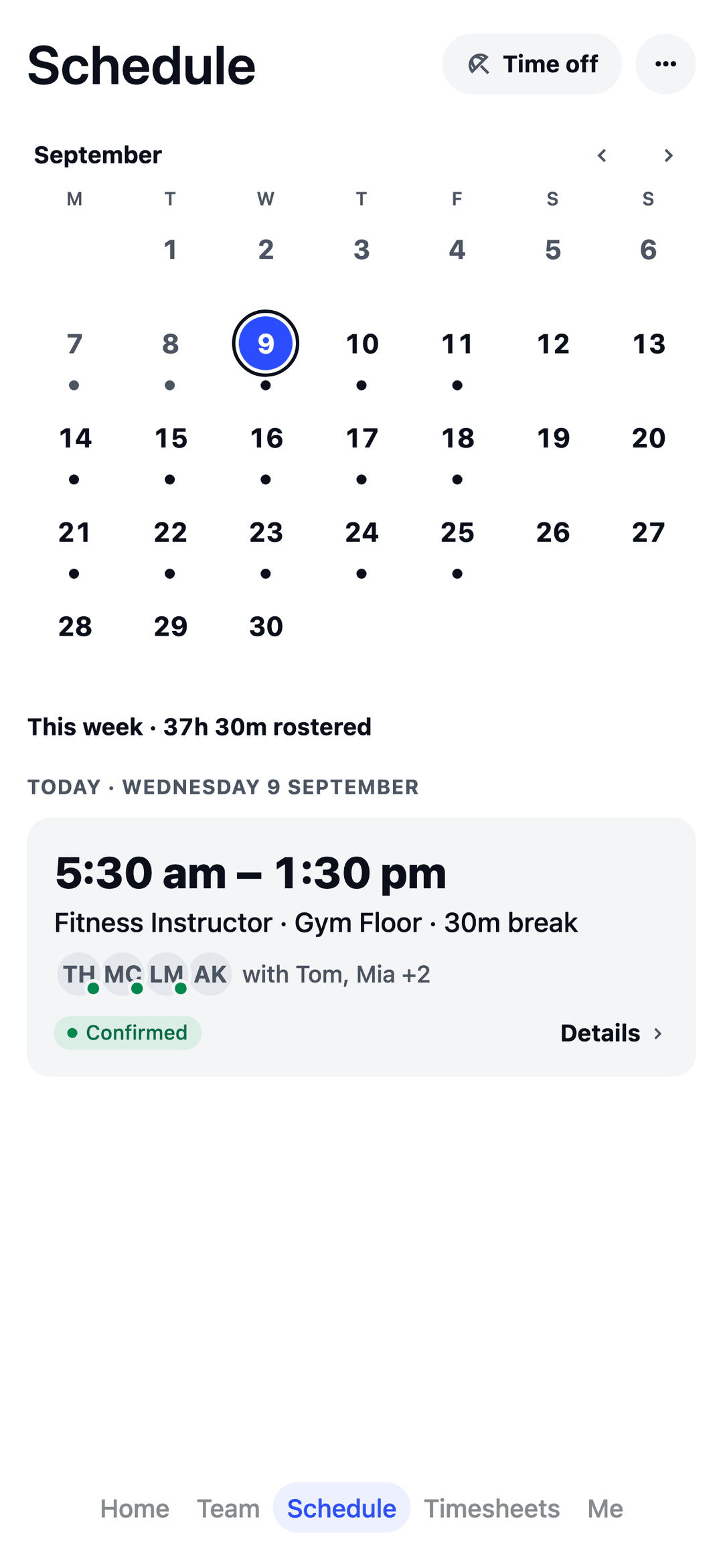
Every class covered, early till late.
- Desk, floor and studio Reception, the gym floor and classes on one roster, from the 5:30am open to the late close.
- Tickets on file Track First Aid, CPR, Certificate III and IV in Fitness and fitness registrations, and see when each one is due to run out.
- One-hour classes, no fuss A 6am class is a shift like any other: on the roster, on their phone and on the timesheet.
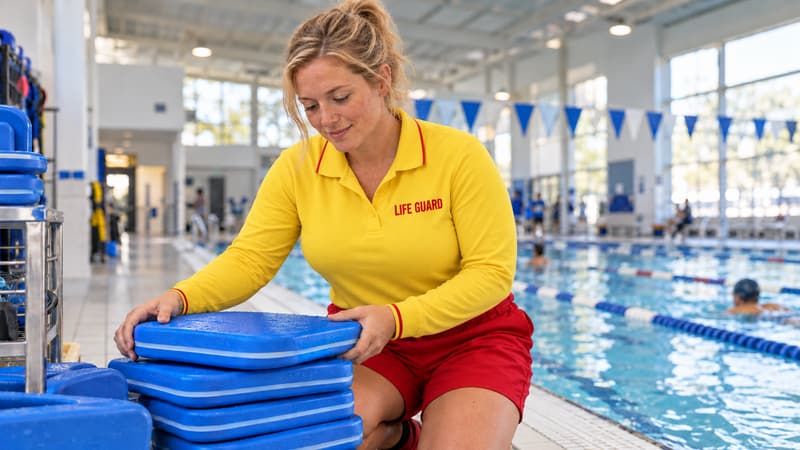
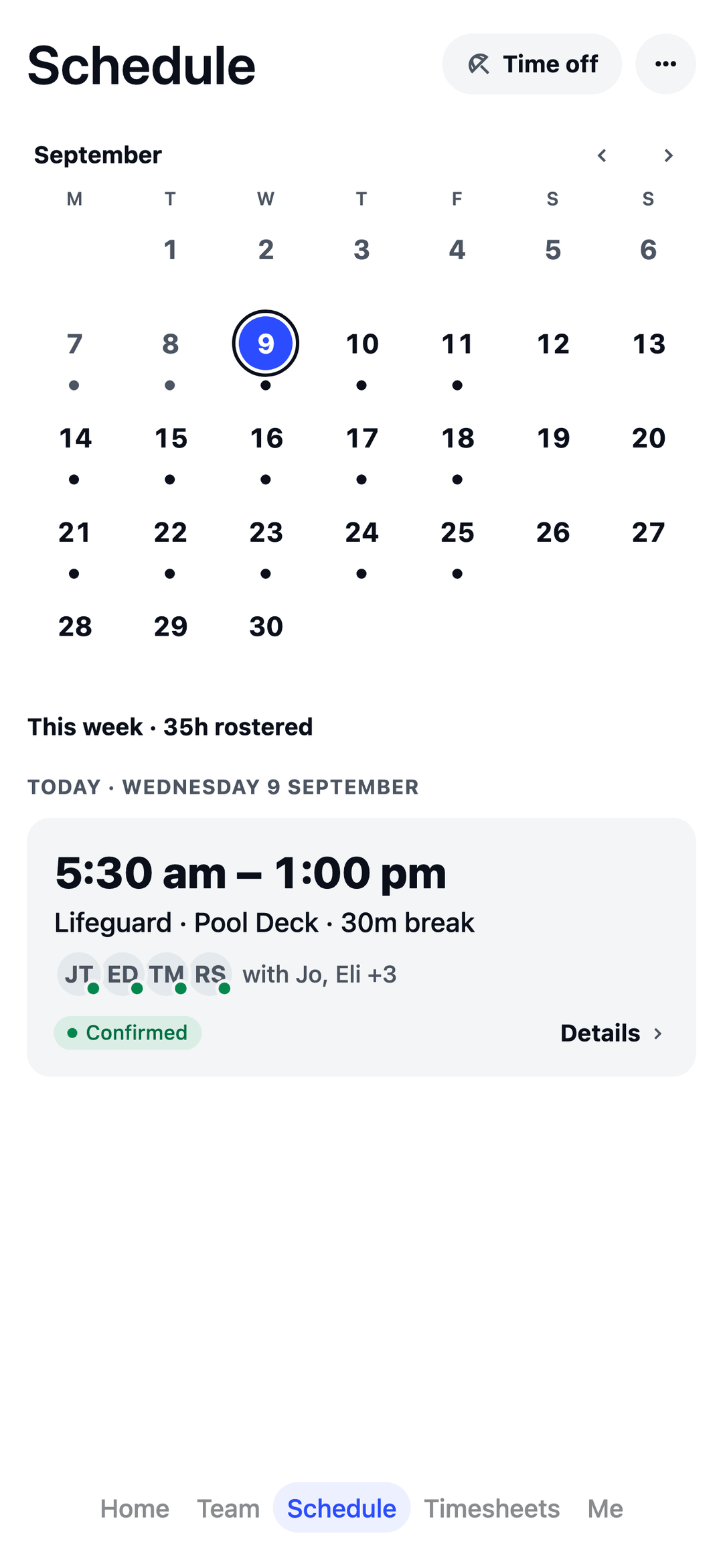
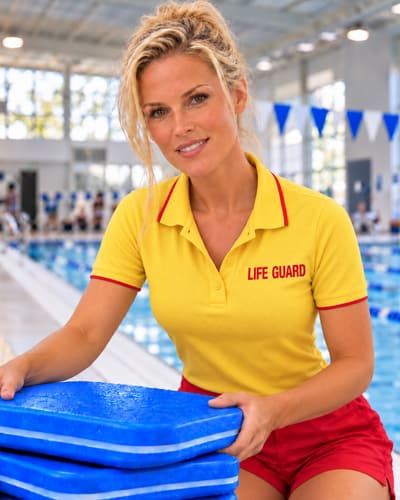
Every lane covered, first swim to last.
- Two on the pool deck Set your own “at least 2 lifeguards on the pool deck” rule and the roster lists any time that falls short.
- Tickets on file Track pool lifeguard, First Aid, CPR and Working with Children Checks, and see when each one is due to run out.
- Pool, lessons and more Lifeguards, swim teachers, reception, the gym floor and the café on one roster, so you see the whole centre at once.

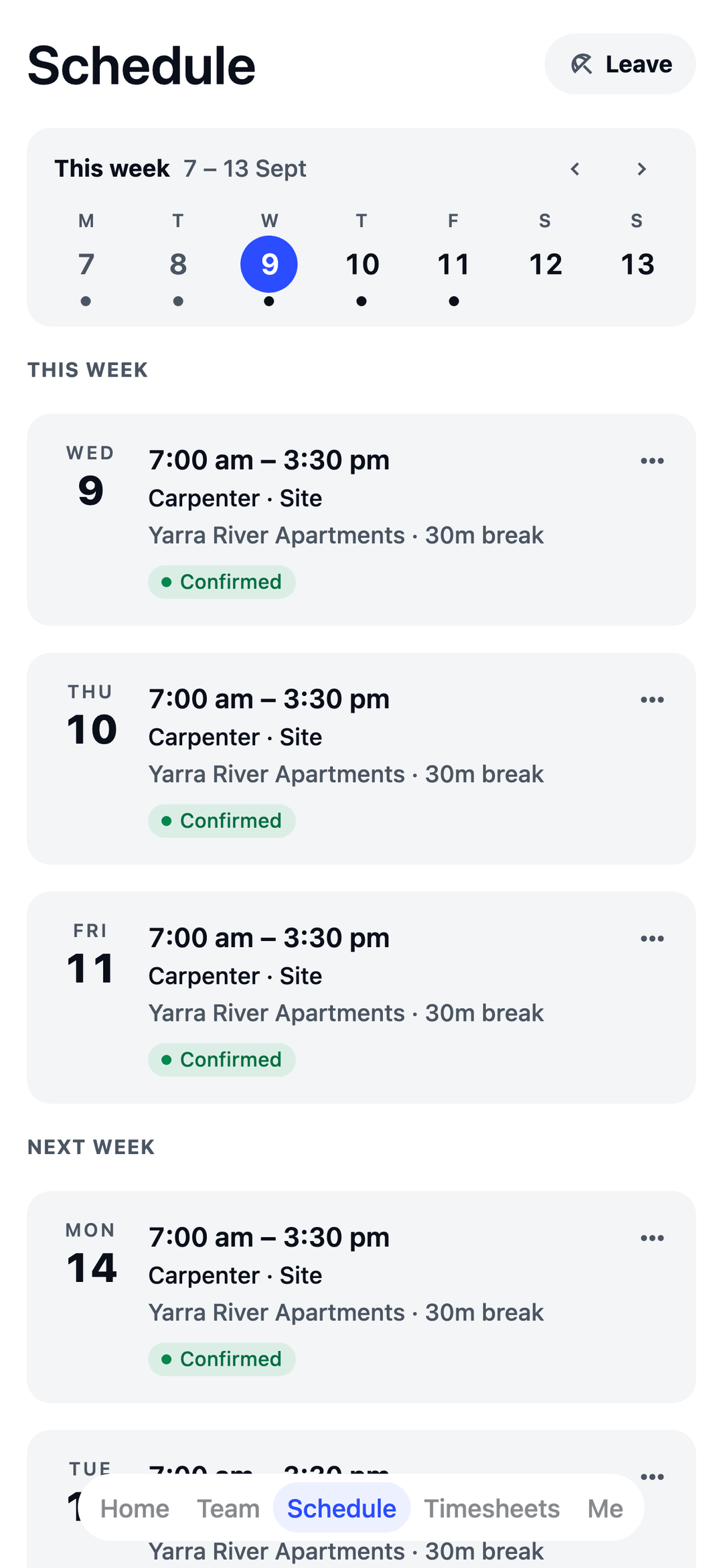
From first pour to knock-off.
- Right crew, right site Each site is its own location, so everyone knows where to turn up tomorrow.
- White Cards on file See who holds what, and get a warning before you roster someone without it.
- Saturday rates, done Set your Saturday, Sunday and public-holiday rates once. Pay adds them up.
Find your industry
26 industries, one app. Pick yours to see how TEAM MATE sets itself up for it.
Food, drink and hotels
Shops and salons
Health and care
Fitness, leisure and events
Trades, cleaning and security
Warehouse, factory and farm
Offices, councils and more
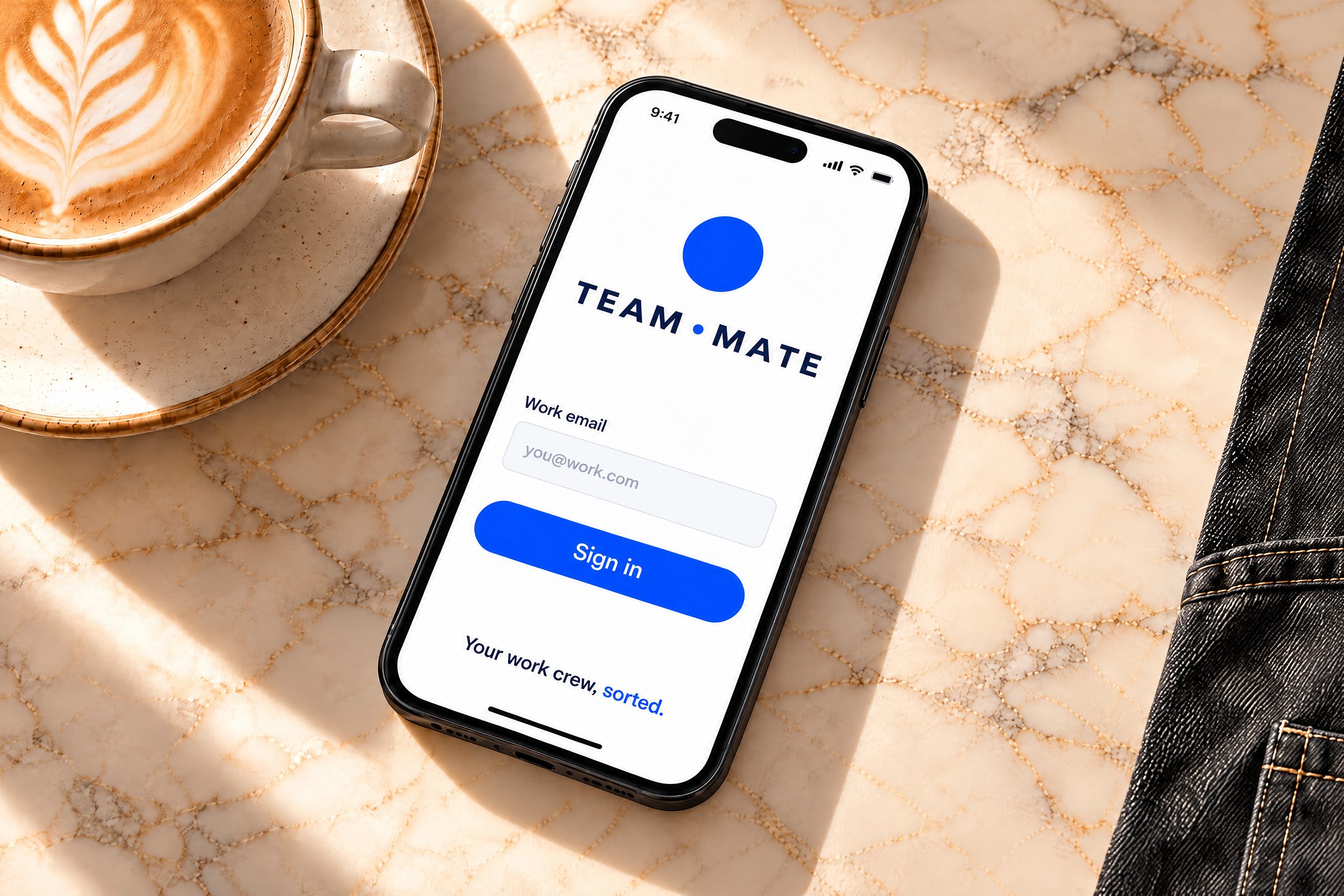
Up and running before your next shift.
-
Pick your industry
The welcome wizard adds your jobs, a typical week and suggested rules for your kind of business. No implementation call, no sales demo.
-
Publish your roster
Your crew sees their shifts in the app, and in their phone calendar, the moment you publish.
-
Clock in, approve, export
Hours and pay add up as they work. Approve timesheets in one queue and export files your payroll software can read.
The staff app your crew will actually use.
New shifts appear the moment they're published — in the app and in your phone calendar. No printouts, no group-chat chaos.
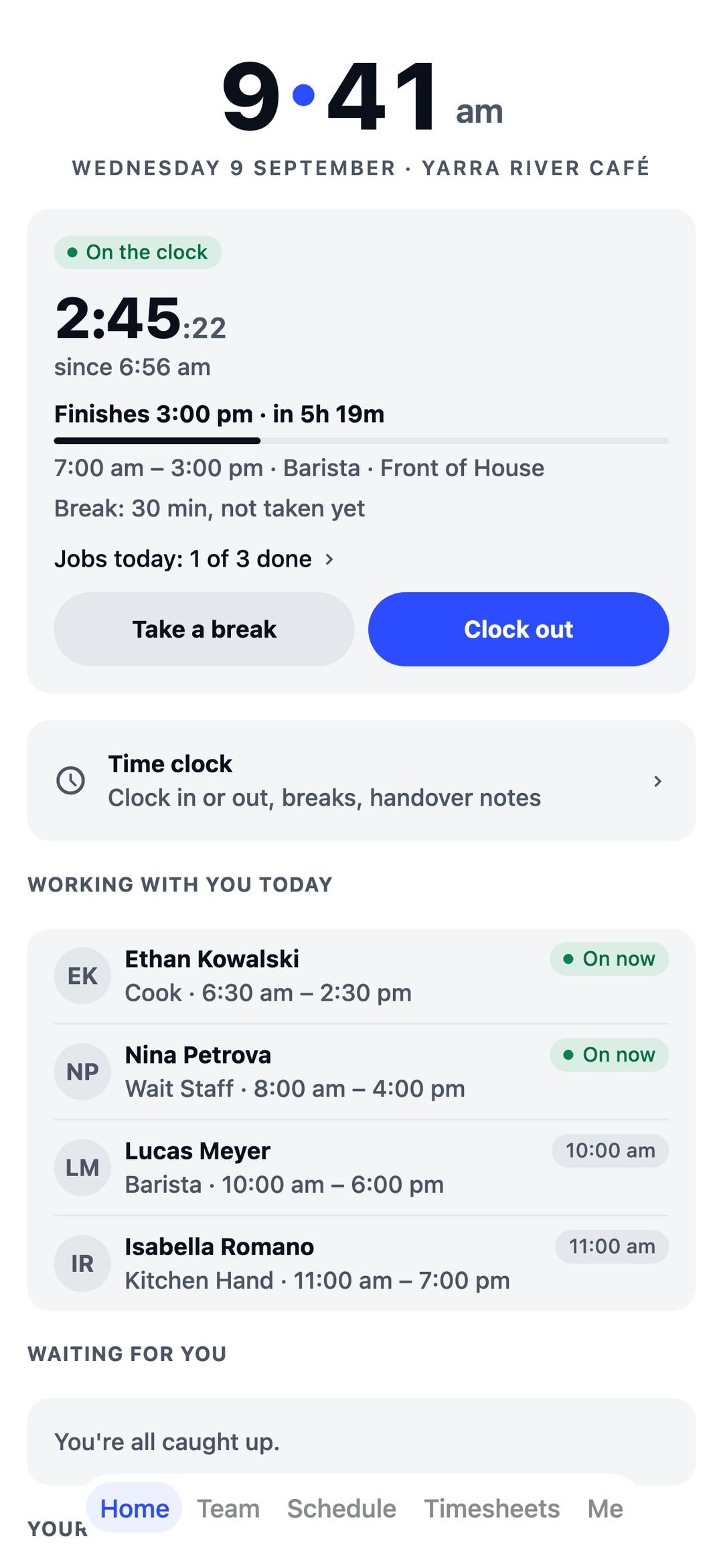
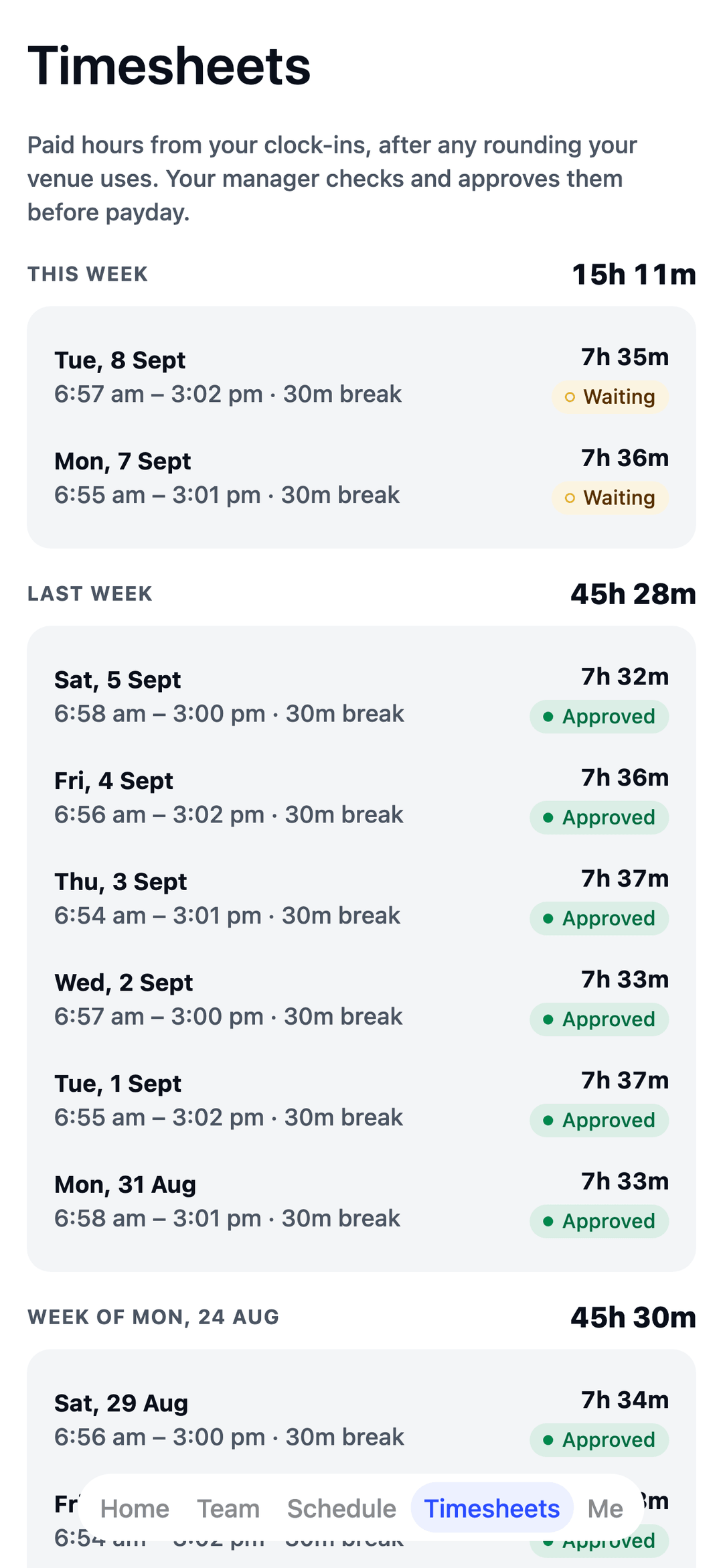
- Open shifts See extra shifts you're eligible for and claim them in a tap.
- Swaps Offer a shift to a teammate; managers approve in the app.
- Shift reminders A nudge before each shift starts, and a "still clocked in?" one if you forget to clock off.
- Leave Check balances, request time off, track approvals.
- Announcements and tasks Read updates, confirm the important ones, tick off today's list.
- Handover notes What the last shift wants the next one to know.
Run the whole roster from the web.
Set up in minutes with the welcome wizard — no implementation call, no sales demo.
- Build and publish rosters Your crew sees changes instantly.
- Approve timesheets and leave From one queue, in seconds.
- Weekend, evening and public-holiday rates Set your rates once and pay adds them up for you.
- Export payroll files Files your payroll software can read, Xero-ready included.
- Forecast busy days Staff the rush, not the lull.
- Your compliance rules in one place Set them once, see them applied.
- You don't pay for managers A seat is a person on the roster, not a login.
Free for your first 10 staff.
Actually free.
Not a trial. No card details, no locked features. One honest price when you grow past 10.
See pricingGood questions, straight answers.
Is TEAM MATE really free?
Yes, for teams of 10 or fewer, with the whole app: rosters, time clock, timesheets, leave and messaging. It's not a trial, so there's no card and no time limit. Past 10 staff it's $60 a month for up to 30 staff, then $3 a month for each person after that.
Who is TEAM MATE for?
Australian businesses that roster shift workers. There's a ready-made setup for cafés, restaurants and bars, fast food and takeaway, hotels, shops, hair and beauty salons, cleaning businesses, security teams, clinics, pharmacies, vet clinics, aged care homes, disability and home care services, childcare centres, tutoring centres, gyms, swim and leisure centres, events and venues, building crews, field service, warehouses, factories, farms, call centres, not-for-profits and charities, and councils: pick yours in the welcome wizard and it adds the jobs, a typical week and suggested rules to start from.
Do I pay for managers?
No. A seat is a person on the roster, not a login, so owners and managers who don't work shifts cost nothing.
Can I run more than one location?
Yes. Each venue, store or site is its own location, so a franchise owner can run every store in one account, and you can share staff between them when one is short.
Can I set my own weekend and public-holiday rates?
Yes. Set your weekend, evening and public-holiday rates once and pay adds them up on every shift. You choose the rates.
Does it work with my payroll software?
TEAM MATE exports approved timesheets as files your payroll software can read, including Xero-ready files.
Where is my data kept?
In Australia. TEAM MATE is made in Melbourne and hosted in Australia.
Your crew signs in from their pocket.
Employers set up TEAM MATE on the web and invite the team — everyone else just signs into the app with their work email. The staff app is coming to the App Store and Google Play.